No endless tables — just the differences that matter, and a clear call. Pick two tools and see who takes it.
Claude Code
AI Coding
Anthropic's terminal-based autonomous coding agent powered by Claude Opus 4.6 with 1M token context. Runs 30-hour autonomous tasks with access to your filesystem, shell, and test runners. Native IDE extensions for VS Code and JetBrains allow inline use alongside Cursor-style editing. Scores 74.4%–80.9% on SWE-bench Verified.
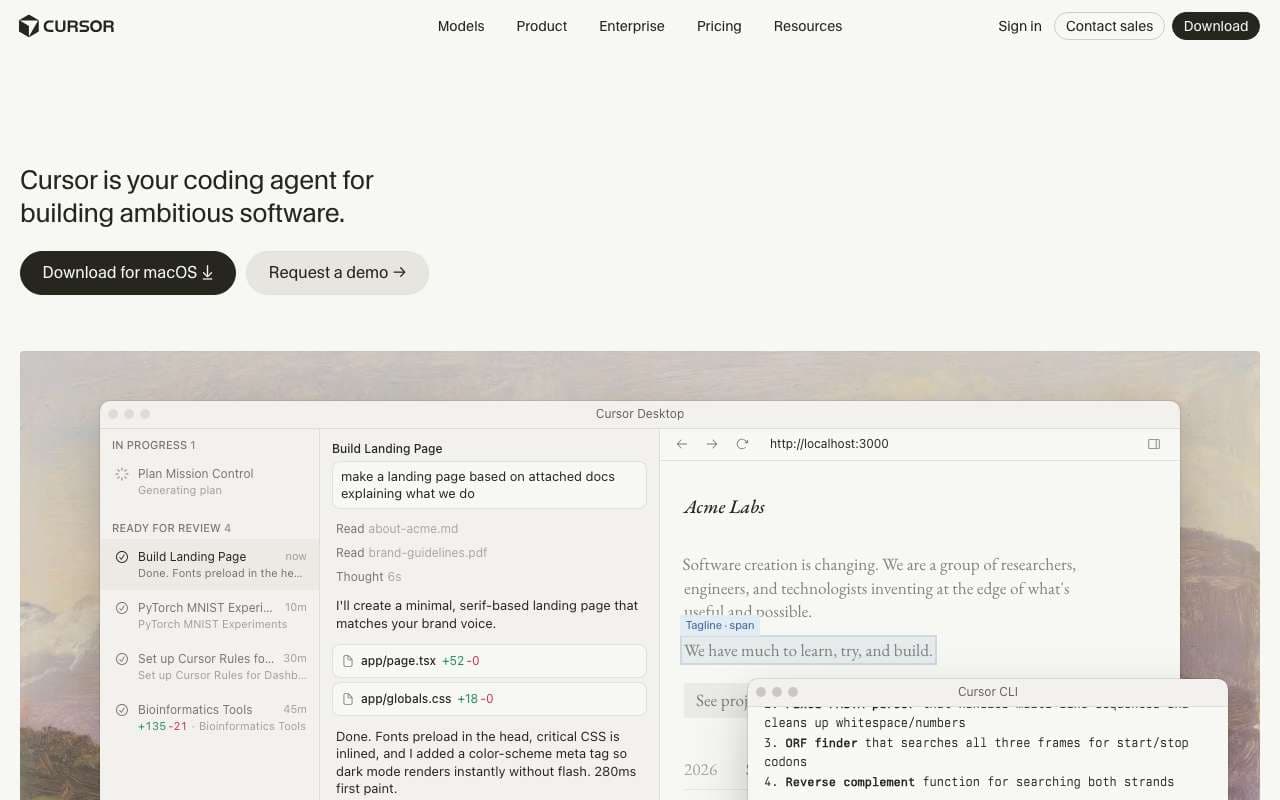
AI-native code editor built on VS Code with deep codebase indexing and a credit-based pricing model. Reached 1M+ monthly active users in 2025 and added a Marketplace for extensions and JetBrains plugin support. The Composer agent can apply multi-file edits with a single instruction, making it the most popular dedicated AI IDE among developers surveyed in Stack Overflow 2025.
Anthropic's terminal-based autonomous coding agent powered by Claude Opus 4.6 with 1M token context. Runs 30-hour autonomous tasks with access to your filesystem, shell, and test runners. Native IDE extensions for VS Code and JetBrains allow inline use alongside Cursor-style editing. Scores 74.4%–80.9% on SWE-bench Verified.
Category:AI Coding
Features
Powered by Claude Opus 4.6 with 1M token context window
Autonomous 30-hour task execution with filesystem, shell, and test access
SWE-bench Verified score: 74.4%–80.9% (leading among terminal agents)
VS Code and JetBrains IDE extensions for inline use
CLAUDE.md project configuration for persistent behavior rules
+5 more
Pros
Highest SWE-bench score among deployed terminal agents at 80.9% on the Verified benchmark
1M context allows loading an entire monorepo without chunking or losing cross-file coherence
Plan mode shows the full task breakdown before any code runs — essential for high-stakes refactors
Headless mode enables fully automated CI pipelines that can fix failing tests without human intervention
Cons
Cost scales with context usage — heavy 1M context tasks can cost $50–200 per autonomous session via API
Terminal-only workflow requires comfort with CLI; no GUI for reviewing diffs before execution in default mode
IDE extensions are newer than Cursor and lack some Cursor-specific features like Notepads
Rate limits on subscriptions constrain long autonomous sessions; API pricing is the practical path for heavy use
Security vulnerabilities found in versions prior to v1.0.20 — ensure you're running the current version
AI-native code editor built on VS Code with deep codebase indexing and a credit-based pricing model. Reached 1M+ monthly active users in 2025 and added a Marketplace for extensions and JetBrains plugin support. The Composer agent can apply multi-file edits with a single instruction, making it the most popular dedicated AI IDE among developers surveyed in Stack Overflow 2025.
Category:AI Coding
Features
Codebase indexing for whole-repository context in completions
Composer: multi-file AI edit agent with diff review before applying
Chat mode with @ references for files, docs, symbols, and web
Credit-based pricing with premium models (Claude 4.6, GPT-4o, o3)
Cursor Marketplace for extensions and community tools
+3 more
Pros
1M+ users validates real-world adoption and ensures long-term support and development
Composer multi-file editing reduces refactoring time significantly versus single-file suggestions
JetBrains support means teams using IntelliJ or PyCharm no longer need to switch editors
Codebase indexing makes AI suggestions context-aware across 100K+ line repos, not just the open file
Cons
Credit system is opaque — using premium models (o3, Claude Opus) burns credits fast; $100+/mo for heavy users
Pro plan ($20/mo) includes 500 fast premium requests; exceeding this drops to slow queue or extra charges
Marketplace extensions are community-maintained with variable quality and no official vetting
JetBrains support is newer and has fewer features than the VS Code-based native editor
Requires internet for AI features — not suitable for air-gapped development environments
Anthropic's terminal-based autonomous coding agent powered by Claude Opus 4.6 with 1M token context. Runs 30-hour autonomous tasks with access to your filesystem, shell, and test runners. Native IDE extensions for VS Code and JetBrains allow inline use alongside Cursor-style editing. Scores 74.4%–80.9% on SWE-bench Verified.
AI-native code editor built on VS Code with deep codebase indexing and a credit-based pricing model. Reached 1M+ monthly active users in 2025 and added a Marketplace for extensions and JetBrains plugin support. The Composer agent can apply multi-file edits with a single instruction, making it the most popular dedicated AI IDE among developers surveyed in Stack Overflow 2025.
Features
Powered by Claude Opus 4.6 with 1M token context window
Autonomous 30-hour task execution with filesystem, shell, and test access
SWE-bench Verified score: 74.4%–80.9% (leading among terminal agents)
VS Code and JetBrains IDE extensions for inline use
CLAUDE.md project configuration for persistent behavior rules
MCP (Model Context Protocol) for custom tool integrations
Git integration: reads history, diffs, and commits on your behalf
Headless mode for CI/CD pipeline integration
Plan mode for architectural review before code execution
Three operating modes: Default, Auto, and Plan
Codebase indexing for whole-repository context in completions
Composer: multi-file AI edit agent with diff review before applying
Chat mode with @ references for files, docs, symbols, and web
Credit-based pricing with premium models (Claude 4.6, GPT-4o, o3)
Cursor Marketplace for extensions and community tools
JetBrains plugin (IntelliJ, PyCharm, WebStorm) as of 2025
Shadow workspace: preview AI changes before applying to active files
Notepads for reusable context templates across sessions
Pros
Highest SWE-bench score among deployed terminal agents at 80.9% on the Verified benchmark
1M context allows loading an entire monorepo without chunking or losing cross-file coherence
Plan mode shows the full task breakdown before any code runs — essential for high-stakes refactors
Headless mode enables fully automated CI pipelines that can fix failing tests without human intervention
1M+ users validates real-world adoption and ensures long-term support and development
Composer multi-file editing reduces refactoring time significantly versus single-file suggestions
JetBrains support means teams using IntelliJ or PyCharm no longer need to switch editors
Codebase indexing makes AI suggestions context-aware across 100K+ line repos, not just the open file
Cons
Cost scales with context usage — heavy 1M context tasks can cost $50–200 per autonomous session via API
Terminal-only workflow requires comfort with CLI; no GUI for reviewing diffs before execution in default mode
IDE extensions are newer than Cursor and lack some Cursor-specific features like Notepads
Rate limits on subscriptions constrain long autonomous sessions; API pricing is the practical path for heavy use
Security vulnerabilities found in versions prior to v1.0.20 — ensure you're running the current version
Credit system is opaque — using premium models (o3, Claude Opus) burns credits fast; $100+/mo for heavy users
Pro plan ($20/mo) includes 500 fast premium requests; exceeding this drops to slow queue or extra charges
Marketplace extensions are community-maintained with variable quality and no official vetting
JetBrains support is newer and has fewer features than the VS Code-based native editor
Requires internet for AI features — not suitable for air-gapped development environments