בלי טבלאות אינסופיות — רק ההבדלים שבאמת משנים, והכרעה ברורה. בחרו שני כלים וראו מי לוקח.
| כלי | ||
|---|---|---|
| תמחור | חינמי חלקית | חינמי חלקית |
| דירוג | ||
| קטגוריה | — | — |
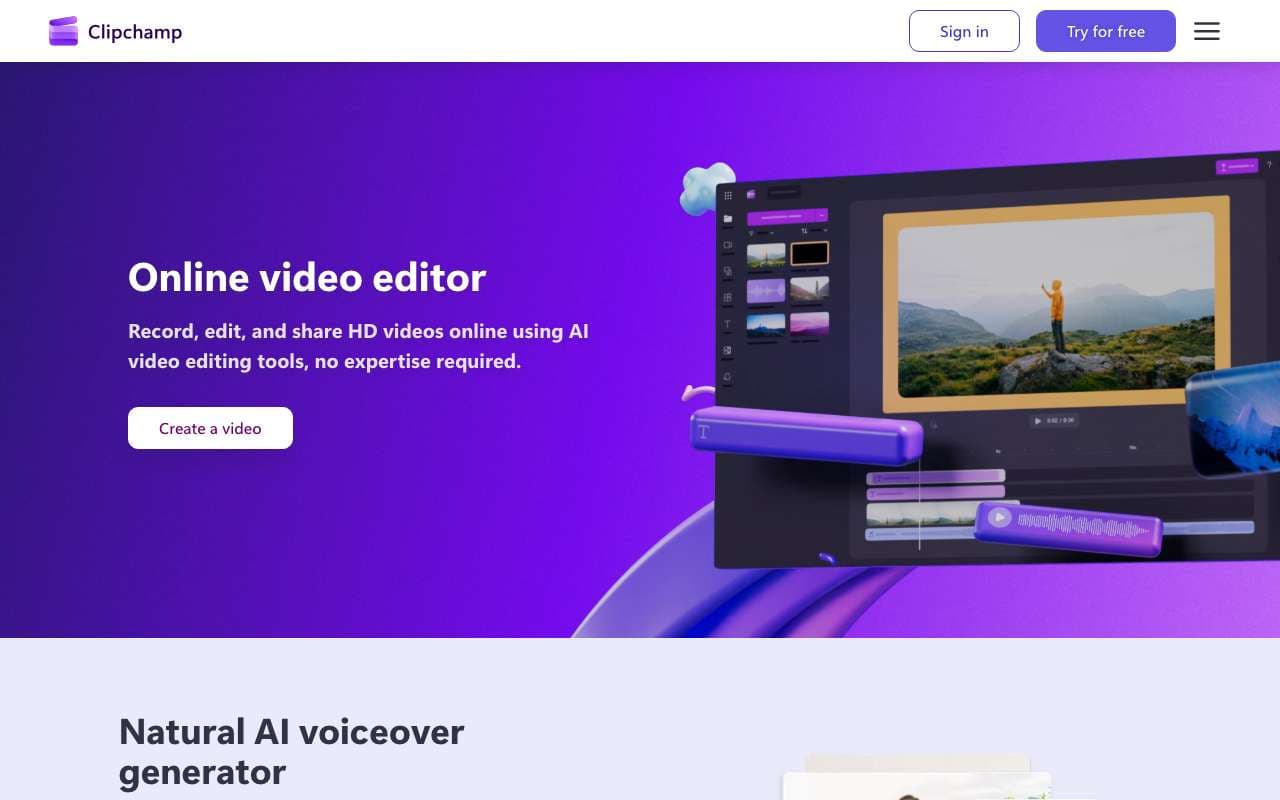
| תיאור | עורך הווידאו של Microsoft שפועל בדפדפן ובאפליקציית Windows ונכלל במנויי Microsoft 365. מציע קריינות AI בעשרות שפות, כתוביות אוטומטיות, הסרת קטעי שקט ועריכה אוטומטית שמרכיבה סרטון מחומרי גלם. מיועד למשתמשים עסקיים וביתיים שצריכים עריכה מהירה ופשוטה בלי ללמוד תוכנה מקצועית. | פלטפורמה ישראלית לדמויות דיגיטליות מדברות, שהתפתחה מהנפשת תמונות לסוכנים ויזואליים בזמן אמת. דור V4 שהושק ב-2026 מספק שיחות בהשהיה של פחות מחצי שנייה, ליפ-סינק מדויק ורזולוציה של עד 4K ביותר מ-120 שפות, ו-Agentic Videos הופך סרטונים לחוויה אינטראקטיבית. משרתת שירות לקוחות, הדרכה ושיווק. |
| Browser-based editing | נתמך | לא נתמך |
| AI captions | נתמך | לא נתמך |
| Background removal | נתמך | לא נתמך |
| AI voiceovers | נתמך | לא נתמך |
| Stock library | נתמך | לא נתמך |
| Screen recording | נתמך | לא נתמך |
| Templates | נתמך | לא נתמך |
| Microsoft 365 integration | נתמך | לא נתמך |
| Photo to video | לא נתמך | נתמך |
| AI presenters | לא נתמך | נתמך |
| Voice cloning | לא נתמך | נתמך |
| API access | לא נתמך | נתמך |
| Real-time streaming | לא נתמך | נתמך |
| Custom avatars | לא נתמך | נתמך |
| Multiple languages | לא נתמך | נתמך |
| Creative studio | לא נתמך | נתמך |
| יתרונות |
|
|
| חסרונות |
|
|
| אתר | בקרו | בקרו |