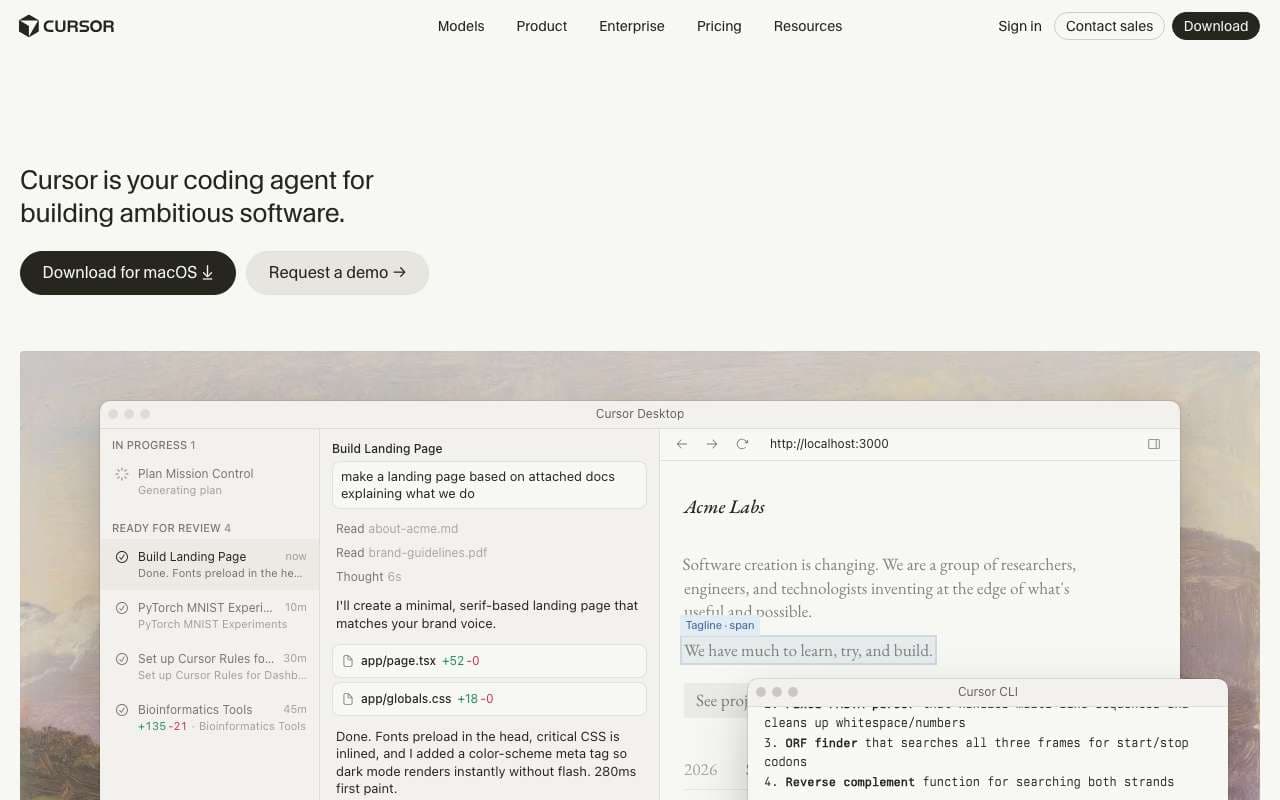
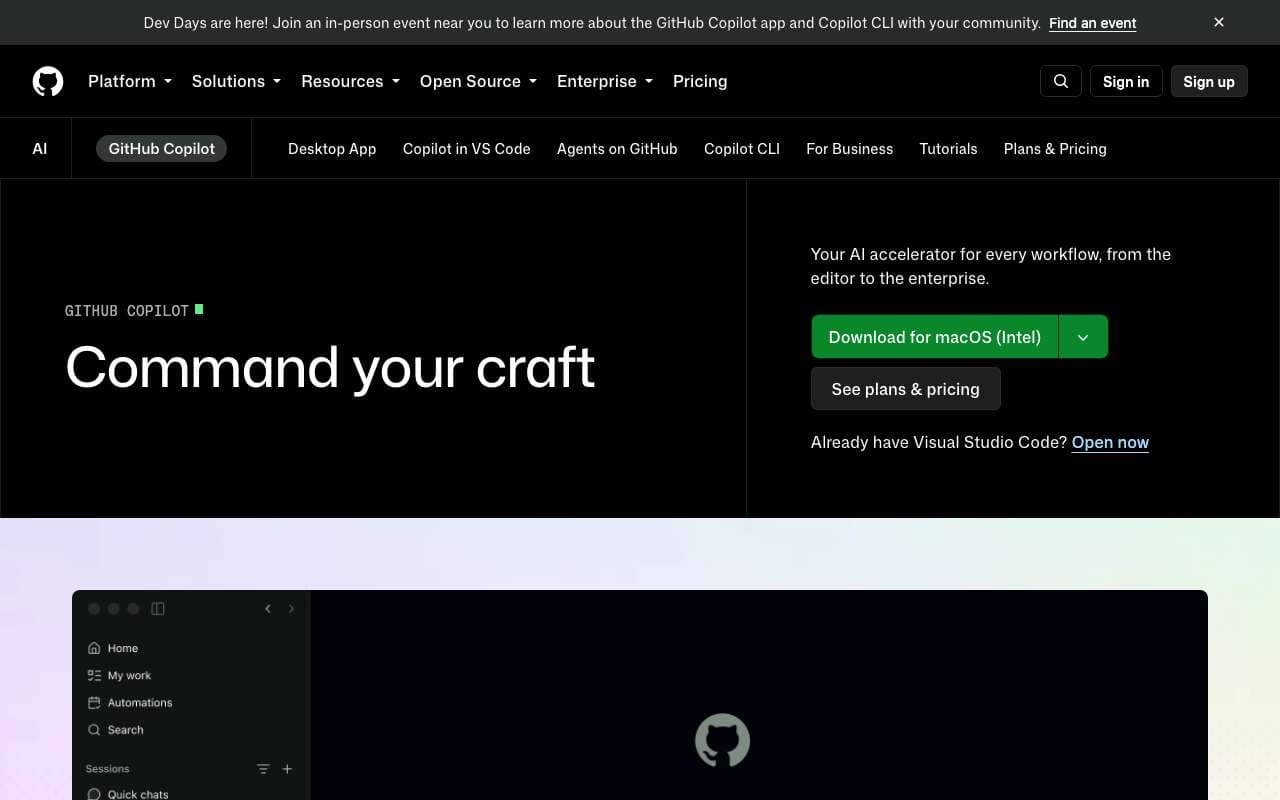
No endless tables — just the differences that matter, and a clear call. Pick two tools and see who takes it.
| Tool | ||
|---|---|---|
| Pricing | Freemium | Freemium |
| Rating | ||
| Category | AI Coding | AI Coding |
| Description | AI-native code editor built on VS Code with deep codebase indexing and a credit-based pricing model. Reached 1M+ monthly active users in 2025 and added a Marketplace for extensions and JetBrains plugin support. The Composer agent can apply multi-file edits with a single instruction, making it the most popular dedicated AI IDE among developers surveyed in Stack Overflow 2025. | GitHub's AI pair programmer, now extended with Agent Mode for autonomous task execution and Copilot Workspace for feature-to-PR workflows. The free tier was significantly expanded in late 2025, making it the first major AI coding tool with meaningful free access. Integrates natively into VS Code, JetBrains, and GitHub.com. |
| Codebase indexing for whole-repository context in completions | Supported | Not supported |
| Composer: multi-file AI edit agent with diff review before applying | Supported | Not supported |
| Chat mode with @ references for files, docs, symbols, and web | Supported | Not supported |
| Credit-based pricing with premium models (Claude 4.6, GPT-4o, o3) | Supported | Not supported |
| Cursor Marketplace for extensions and community tools | Supported | Not supported |
| JetBrains plugin (IntelliJ, PyCharm, WebStorm) as of 2025 | Supported | Not supported |
| Shadow workspace: preview AI changes before applying to active files | Supported | Not supported |
| Notepads for reusable context templates across sessions | Supported | Not supported |
| Agent Mode: autonomous task execution with file edits and terminal commands | Not supported | Supported |
| Copilot Workspace: go from GitHub issue to pull request with AI planning and implementation | Not supported | Supported |
| Free tier: 2,000 completions/month and 50 chat messages — permanently free | Not supported | Supported |
| Multi-model selection: Claude 4.6 Sonnet, GPT-4o, and o3-mini available on paid plans | Not supported | Supported |
| VS Code, JetBrains, Neovim, and GitHub.com web editor integration | Not supported | Supported |
| Copilot Reviews: AI code review on pull requests with actionable suggestions | Not supported | Supported |
| Copilot for CLI: natural language to shell commands in terminal | Not supported | Supported |
| Enterprise audit logs, IP indemnity, and data exclusion controls | Not supported | Supported |
| Pros |
|
|
| Cons |
|
|
| Website | Visit | Visit |