No endless tables — just the differences that matter, and a clear call. Pick two tools and see who takes it.
Figma AI
AI Design & Creative
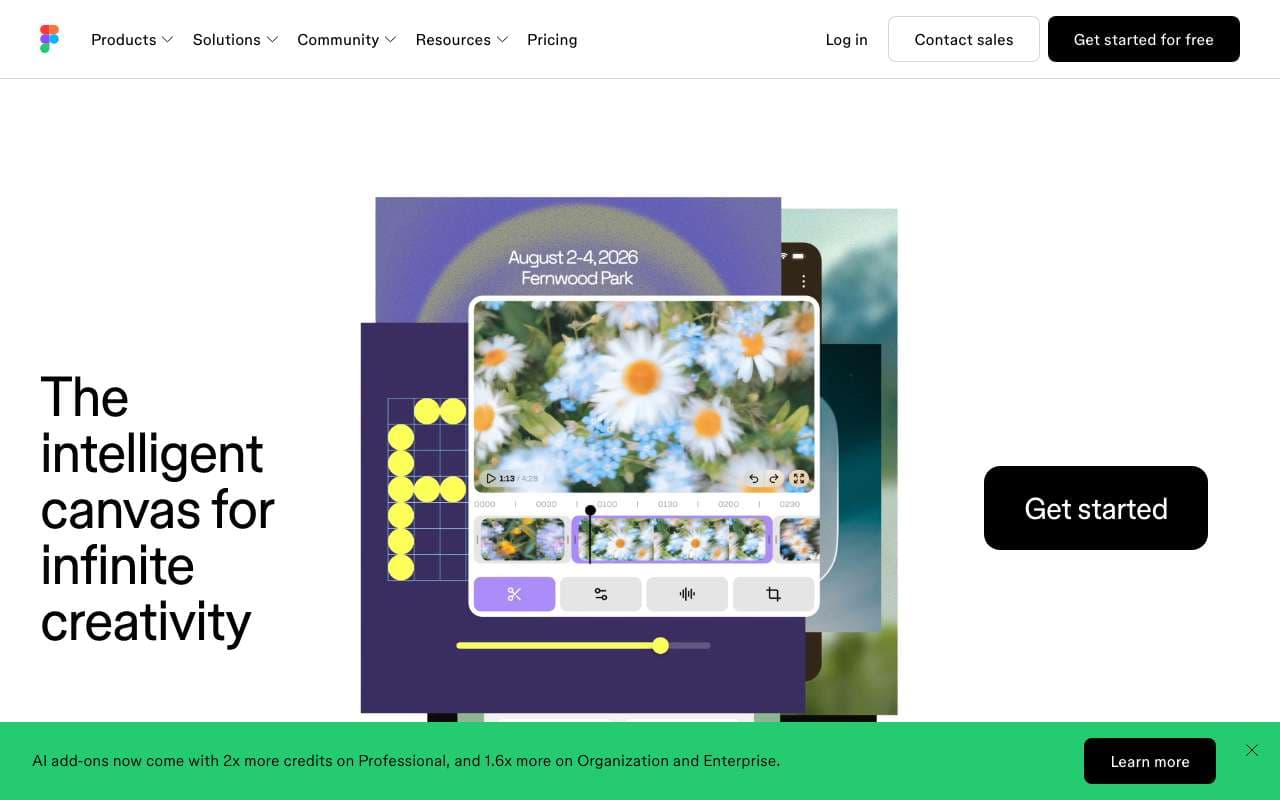
Figma AI is a suite of AI features built directly into the Figma design editor, including First Draft (generate UI from a text prompt), Rename Layers, Remove Background, and Make Designs. It is aimed at product designers and developers who want to accelerate UI exploration without leaving their existing Figma workflow. Unlike standalone AI design tools, it operates on real Figma components and design systems.
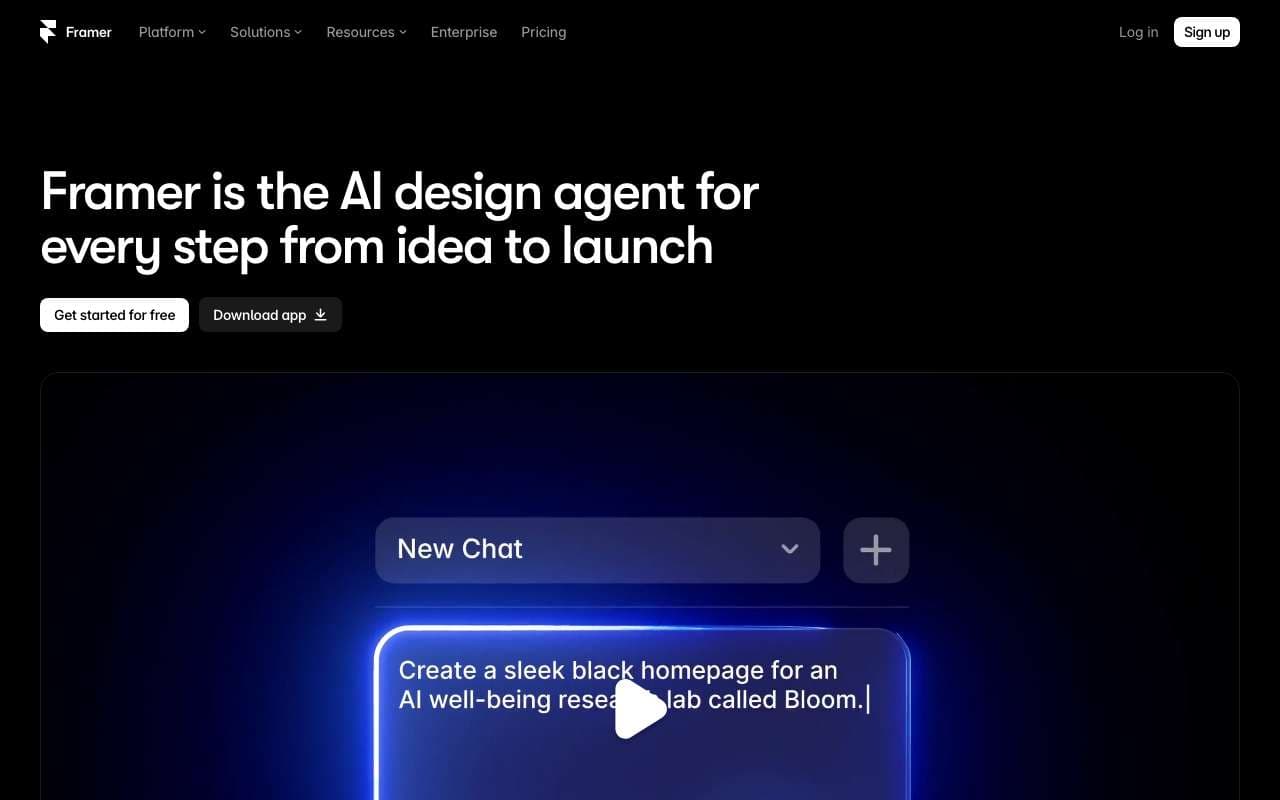
Framer is a no-code website builder with integrated AI that can generate a complete multi-page website from a single text prompt. It targets founders, designers, and marketers who need to publish production-quality websites without developers. Its AI site generation, combined with CMS and native animations, makes it one of the fastest paths from idea to live site.
Figma AI is a suite of AI features built directly into the Figma design editor, including First Draft (generate UI from a text prompt), Rename Layers, Remove Background, and Make Designs. It is aimed at product designers and developers who want to accelerate UI exploration without leaving their existing Figma workflow. Unlike standalone AI design tools, it operates on real Figma components and design systems.
Category:AI Design & Creative
Features
First Draft: generate responsive UI layouts from a text description
Make Designs: create variants of existing components with AI guidance
Rename Layers: auto-rename messy layer hierarchies to semantic names
Remove Background: one-click background removal on placed images
Visual Search: find similar components across files by visual similarity
+3 more
Pros
AI generates designs in native Figma format — fully editable with real constraints, not static images
Works within existing design systems — respects local components and styles
Rename Layers alone saves 20-30 minutes on large files before developer handoff
No context switching — AI features are embedded in the tool designers already use daily
Cons
First Draft output requires substantial manual refinement — not production-ready
AI credits are consumed even on failed or unusable generations
Not available on Figma Starter (free) plan beyond a trial allocation
Visual quality of generated UI is generic and lacks brand personality without custom component input
AI features are limited on FigJam (whiteboard) side — focused on main Figma editor
Framer is a no-code website builder with integrated AI that can generate a complete multi-page website from a single text prompt. It targets founders, designers, and marketers who need to publish production-quality websites without developers. Its AI site generation, combined with CMS and native animations, makes it one of the fastest paths from idea to live site.
Category:AI Design & Creative
Features
AI Site: generate a complete website from a text description in under 60 seconds
AI Copy: rewrite or generate page copy in brand voice
Visual canvas editor with real CSS under the hood
Built-in CMS for blogs, case studies, and dynamic pages
Native animation system without code (transitions, scroll effects)
+3 more
Pros
AI site generation produces a fully structured, publication-ready multi-page site — not a single landing page
Native CSS output means better Core Web Vitals than Webflow or Wix on most pages
Figma import makes it the most designer-friendly path from prototype to live site
Animation system is the most powerful of any no-code builder — no GreenSock required
Cons
Free plan limits publishing to a Framer subdomain (no custom domain)
AI generation quality is inconsistent for complex layouts — hero sections work well, complex grids do not
Steep learning curve compared to Squarespace or Wix — assumes design literacy
CMS is basic — not suitable for news sites or large content databases
No native e-commerce — requires third-party integration for storefronts
Figma AI is a suite of AI features built directly into the Figma design editor, including First Draft (generate UI from a text prompt), Rename Layers, Remove Background, and Make Designs. It is aimed at product designers and developers who want to accelerate UI exploration without leaving their existing Figma workflow. Unlike standalone AI design tools, it operates on real Figma components and design systems.
Framer is a no-code website builder with integrated AI that can generate a complete multi-page website from a single text prompt. It targets founders, designers, and marketers who need to publish production-quality websites without developers. Its AI site generation, combined with CMS and native animations, makes it one of the fastest paths from idea to live site.
Features
First Draft: generate responsive UI layouts from a text description
Make Designs: create variants of existing components with AI guidance
Rename Layers: auto-rename messy layer hierarchies to semantic names
Remove Background: one-click background removal on placed images
Visual Search: find similar components across files by visual similarity
Prototype AI: auto-generate interaction flows from static designs
Dev Mode AI: generate code snippets from selected design elements
AI credits system — usage tracked per seat
AI Site: generate a complete website from a text description in under 60 seconds
AI Copy: rewrite or generate page copy in brand voice
Visual canvas editor with real CSS under the hood
Built-in CMS for blogs, case studies, and dynamic pages
Native animation system without code (transitions, scroll effects)
Component library with interactive React component support
Custom domain publishing with global CDN
Figma import: convert Figma frames to editable Framer components
Pros
AI generates designs in native Figma format — fully editable with real constraints, not static images
Works within existing design systems — respects local components and styles
Rename Layers alone saves 20-30 minutes on large files before developer handoff
No context switching — AI features are embedded in the tool designers already use daily
AI site generation produces a fully structured, publication-ready multi-page site — not a single landing page
Native CSS output means better Core Web Vitals than Webflow or Wix on most pages
Figma import makes it the most designer-friendly path from prototype to live site
Animation system is the most powerful of any no-code builder — no GreenSock required
Cons
First Draft output requires substantial manual refinement — not production-ready
AI credits are consumed even on failed or unusable generations
Not available on Figma Starter (free) plan beyond a trial allocation
Visual quality of generated UI is generic and lacks brand personality without custom component input
AI features are limited on FigJam (whiteboard) side — focused on main Figma editor
Free plan limits publishing to a Framer subdomain (no custom domain)
AI generation quality is inconsistent for complex layouts — hero sections work well, complex grids do not
Steep learning curve compared to Squarespace or Wix — assumes design literacy
CMS is basic — not suitable for news sites or large content databases
No native e-commerce — requires third-party integration for storefronts