No endless tables — just the differences that matter, and a clear call. Pick two tools and see who takes it.
| Tool |  Google Stitch Google Stitch | |
|---|---|---|
| Pricing | Freemium | Free |
| Rating | ||
| Category | AI Design & Creative | — |
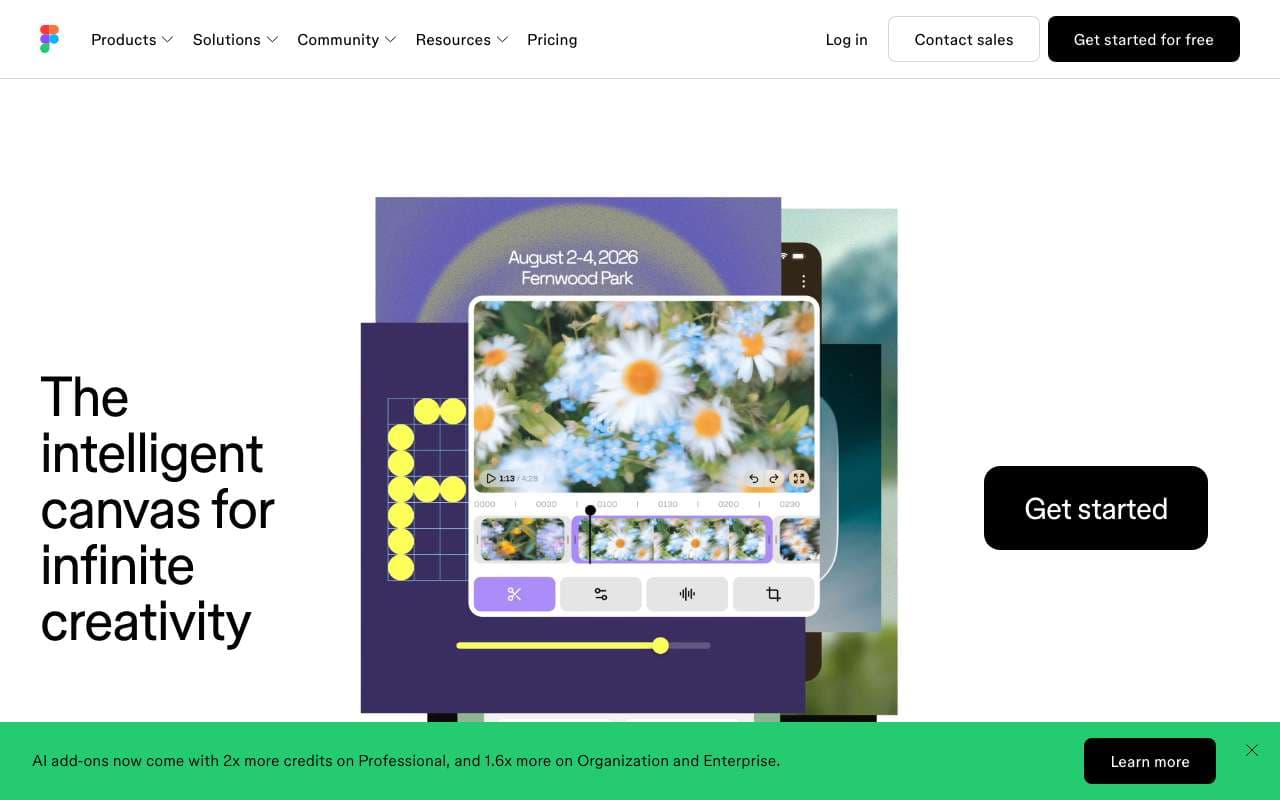
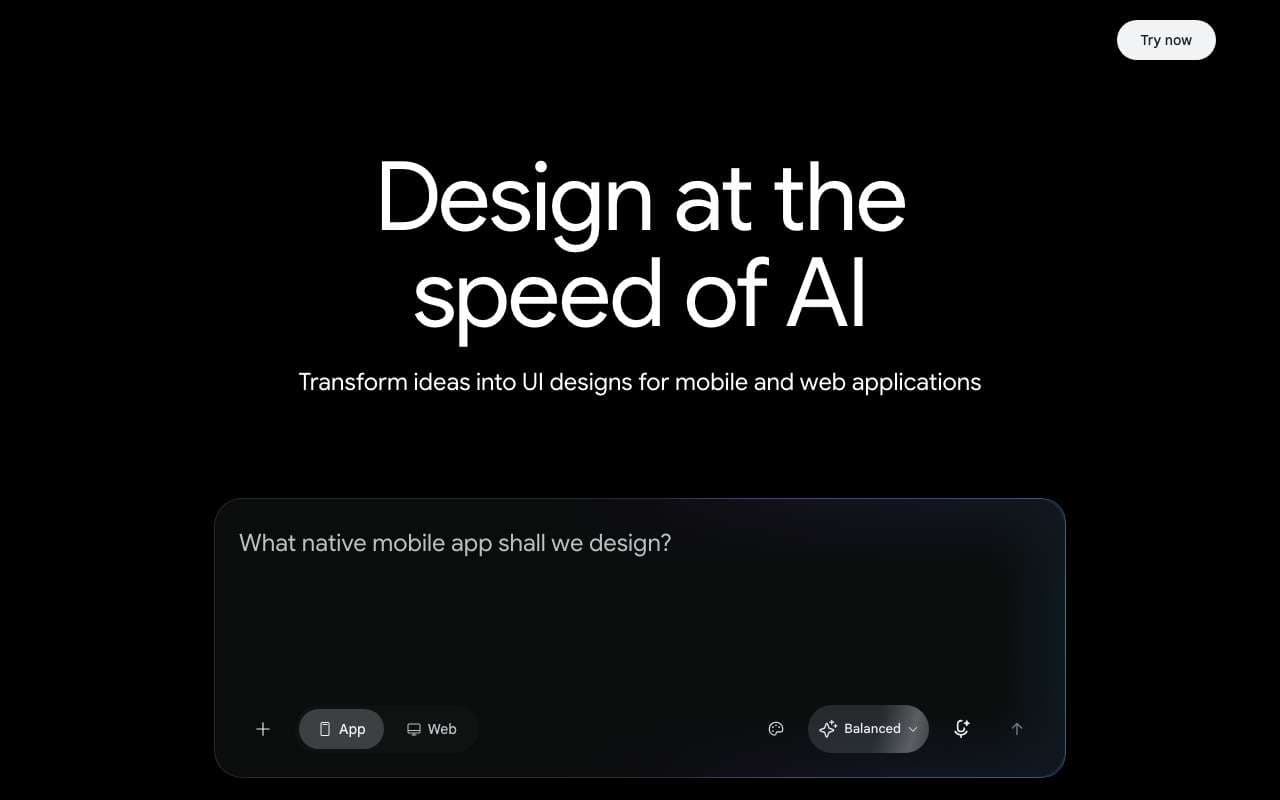
| Description | Figma AI is a suite of AI features built directly into the Figma design editor, including First Draft (generate UI from a text prompt), Rename Layers, Remove Background, and Make Designs. It is aimed at product designers and developers who want to accelerate UI exploration without leaving their existing Figma workflow. Unlike standalone AI design tools, it operates on real Figma components and design systems. | AI-powered UI design tool that transforms text and images into complete, production-ready interfaces with code export to Figma and Firebase Studio. |
| First Draft: generate responsive UI layouts from a text description | Supported | Not supported |
| Make Designs: create variants of existing components with AI guidance | Supported | Not supported |
| Rename Layers: auto-rename messy layer hierarchies to semantic names | Supported | Not supported |
| Remove Background: one-click background removal on placed images | Supported | Not supported |
| Visual Search: find similar components across files by visual similarity | Supported | Not supported |
| Prototype AI: auto-generate interaction flows from static designs | Supported | Not supported |
| Dev Mode AI: generate code snippets from selected design elements | Supported | Not supported |
| AI credits system — usage tracked per seat | Supported | Not supported |
| 350 free generations/month (Standard mode) | Not supported | Supported |
| 100 free generations/month (Experimental mode) | Not supported | Supported |
| Text-to-UI and Image-to-UI generation | Not supported | Supported |
| One-click Figma export | Not supported | Supported |
| Firebase Studio deployment | Not supported | Supported |
| Multi-screen theme consistency | Not supported | Supported |
| Pros |
|
|
| Cons |
|
|
| Website | Visit | Visit |