Figma AI מול Nano Banana Pro — השוואה מלאה | AI Deck
פנים אל פנים
Figma AI vs Nano Banana Pro
בלי טבלאות אינסופיות — רק ההבדלים שבאמת משנים, והכרעה ברורה. בחרו שני כלים וראו מי לוקח.
Figma AI
AI Design & Creative
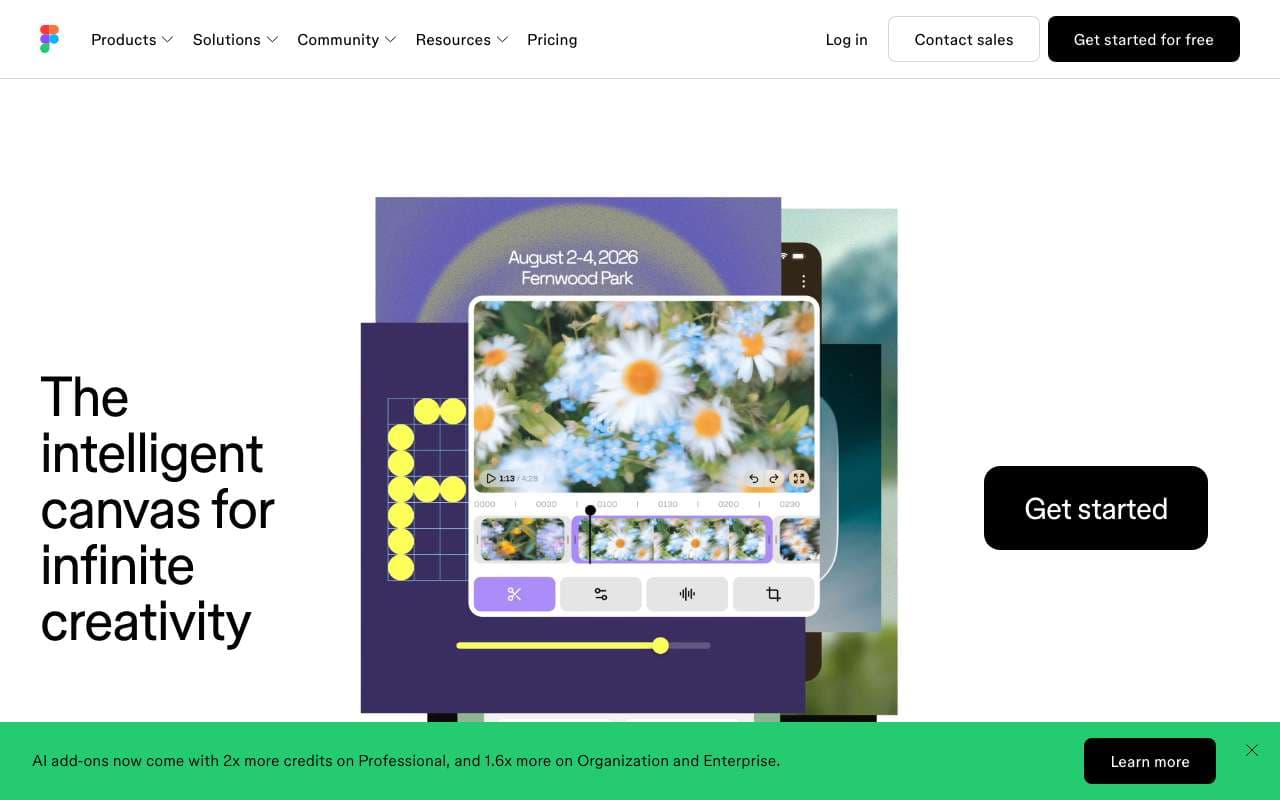
יכולות ה-AI של פלטפורמת העיצוב Figma. Figma Make מייצר אבות-טיפוס ואפליקציות מפרומפט ומאפשר עריכה חזותית של קוד פרודקשן, והסוכן שהוצג ב-Config 2026 בונה פלאגינים וכלים מותאמים ישירות בתוך הקובץ. כלי Weave מוסיפים יצירת תמונות בזרימת העבודה. כלול בתוכניות בתשלום עם מסלול חינמי מוגבל.
מחולל התמונות המוביל של Google, מדורג מספר 2 עם 1238 ELO. פוטוריאליזם מונחה חשיבה עם דיוק טקסט של 94-96%. תומך עד 14 תמונות ייחוס לעקביות דמויות. מצטיין בצילום מוצרים וסצנות מורכבות.
יכולות ה-AI של פלטפורמת העיצוב Figma. Figma Make מייצר אבות-טיפוס ואפליקציות מפרומפט ומאפשר עריכה חזותית של קוד פרודקשן, והסוכן שהוצג ב-Config 2026 בונה פלאגינים וכלים מותאמים ישירות בתוך הקובץ. כלי Weave מוסיפים יצירת תמונות בזרימת העבודה. כלול בתוכניות בתשלום עם מסלול חינמי מוגבל.
קטגוריה:AI Design & Creative
תכונות
First Draft: generate responsive UI layouts from a text description
Make Designs: create variants of existing components with AI guidance
Rename Layers: auto-rename messy layer hierarchies to semantic names
Remove Background: one-click background removal on placed images
Visual Search: find similar components across files by visual similarity
+3 נוספים
יתרונות
AI generates designs in native Figma format — fully editable with real constraints, not static images
Works within existing design systems — respects local components and styles
Rename Layers alone saves 20-30 minutes on large files before developer handoff
No context switching — AI features are embedded in the tool designers already use daily
חסרונות
First Draft output requires substantial manual refinement — not production-ready
AI credits are consumed even on failed or unusable generations
Not available on Figma Starter (free) plan beyond a trial allocation
Visual quality of generated UI is generic and lacks brand personality without custom component input
AI features are limited on FigJam (whiteboard) side — focused on main Figma editor
מחולל התמונות המוביל של Google, מדורג מספר 2 עם 1238 ELO. פוטוריאליזם מונחה חשיבה עם דיוק טקסט של 94-96%. תומך עד 14 תמונות ייחוס לעקביות דמויות. מצטיין בצילום מוצרים וסצנות מורכבות.
קטגוריה:Image Generation
תכונות
94-96% text accuracy
Multi-language text support (EN, DE, JP, CN, KR)
Up to 14 reference images
4K resolution at 4096x4096
Reasoning-guided synthesis
+3 נוספים
יתרונות
Near-photographic realism
Excellent multi-character consistency
Strong semantic understanding
Multi-language text support
Deep Google ecosystem integration
חסרונות
Unpredictable server congestion
December 2025 throttling affected 60% of Pro users
Quota limits change without notice
Pushes prompts toward realism even for stylized requests
יכולות ה-AI של פלטפורמת העיצוב Figma. Figma Make מייצר אבות-טיפוס ואפליקציות מפרומפט ומאפשר עריכה חזותית של קוד פרודקשן, והסוכן שהוצג ב-Config 2026 בונה פלאגינים וכלים מותאמים ישירות בתוך הקובץ. כלי Weave מוסיפים יצירת תמונות בזרימת העבודה. כלול בתוכניות בתשלום עם מסלול חינמי מוגבל.
מחולל התמונות המוביל של Google, מדורג מספר 2 עם 1238 ELO. פוטוריאליזם מונחה חשיבה עם דיוק טקסט של 94-96%. תומך עד 14 תמונות ייחוס לעקביות דמויות. מצטיין בצילום מוצרים וסצנות מורכבות.
תכונות
First Draft: generate responsive UI layouts from a text description
Make Designs: create variants of existing components with AI guidance
Rename Layers: auto-rename messy layer hierarchies to semantic names
Remove Background: one-click background removal on placed images
Visual Search: find similar components across files by visual similarity
Prototype AI: auto-generate interaction flows from static designs
Dev Mode AI: generate code snippets from selected design elements
AI credits system — usage tracked per seat
94-96% text accuracy
Multi-language text support (EN, DE, JP, CN, KR)
Up to 14 reference images
4K resolution at 4096x4096
Reasoning-guided synthesis
95%+ character consistency
Physics and lighting accuracy
Via ChatGPT or Vertex AI
יתרונות
AI generates designs in native Figma format — fully editable with real constraints, not static images
Works within existing design systems — respects local components and styles
Rename Layers alone saves 20-30 minutes on large files before developer handoff
No context switching — AI features are embedded in the tool designers already use daily
Near-photographic realism
Excellent multi-character consistency
Strong semantic understanding
Multi-language text support
Deep Google ecosystem integration
חסרונות
First Draft output requires substantial manual refinement — not production-ready
AI credits are consumed even on failed or unusable generations
Not available on Figma Starter (free) plan beyond a trial allocation
Visual quality of generated UI is generic and lacks brand personality without custom component input
AI features are limited on FigJam (whiteboard) side — focused on main Figma editor
Unpredictable server congestion
December 2025 throttling affected 60% of Pro users
Quota limits change without notice
Pushes prompts toward realism even for stylized requests