Figma AI vs Stable Diffusion - Comparison | AI Deck
Head to head
Figma AI vs Stable Diffusion
No endless tables — just the differences that matter, and a clear call. Pick two tools and see who takes it.
Figma AI
AI Design & Creative
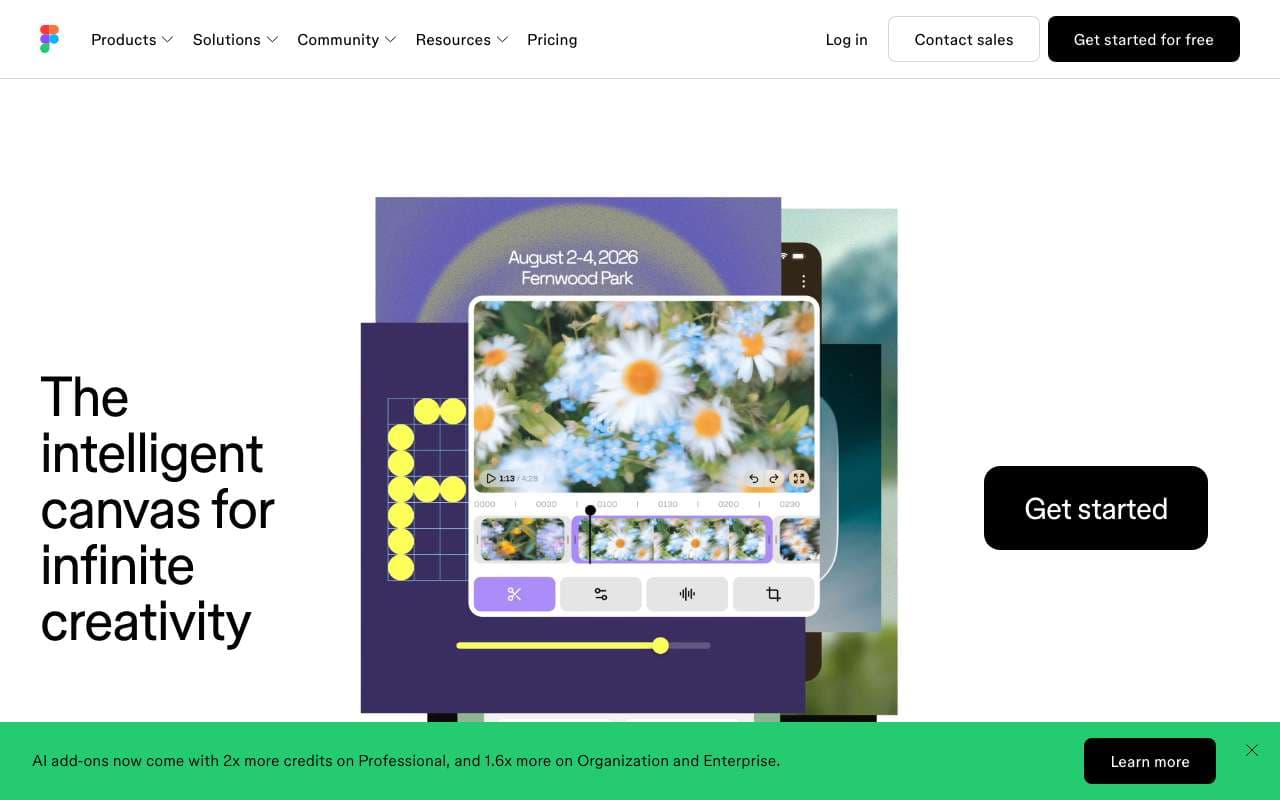
Figma AI is a suite of AI features built directly into the Figma design editor, including First Draft (generate UI from a text prompt), Rename Layers, Remove Background, and Make Designs. It is aimed at product designers and developers who want to accelerate UI exploration without leaving their existing Figma workflow. Unlike standalone AI design tools, it operates on real Figma components and design systems.
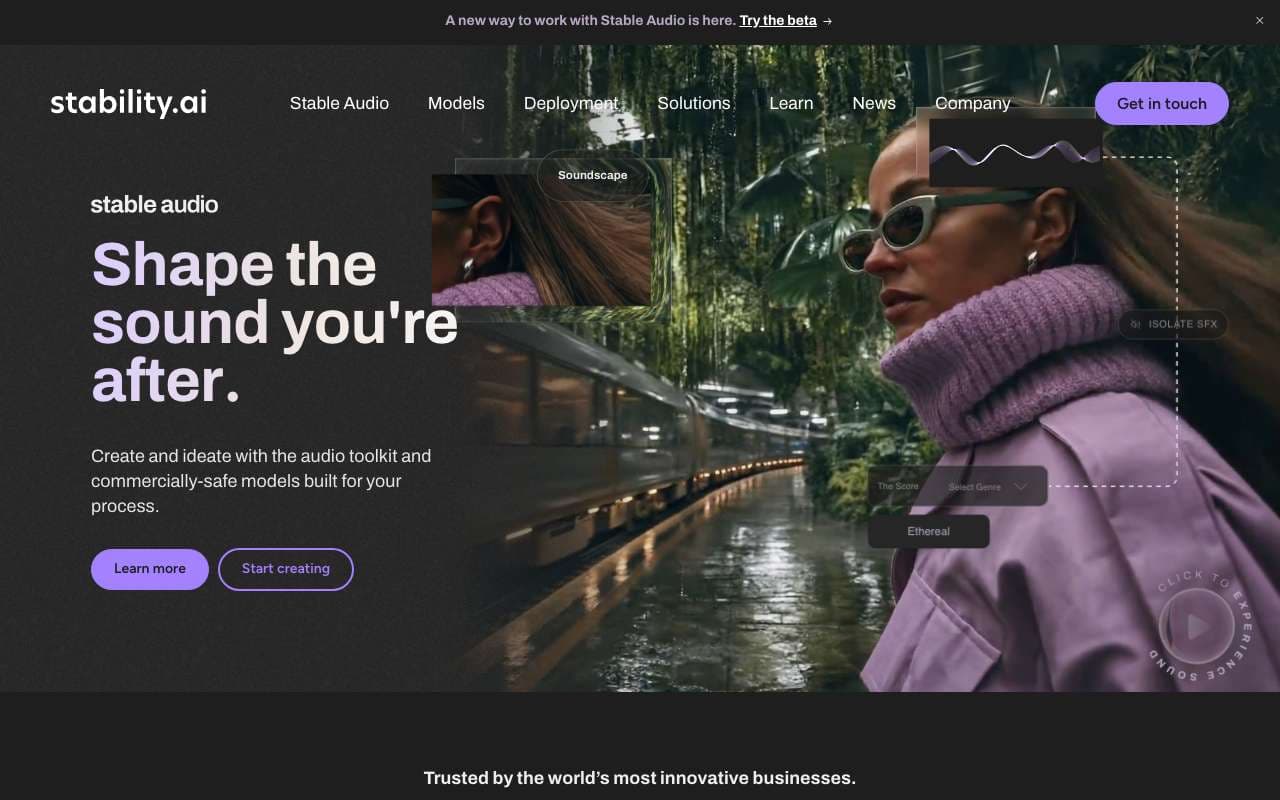
Open-source latent diffusion model for local image generation, now at SD3.5 with improved composition and text rendering. Self-hostable on consumer GPUs (8GB VRAM minimum for SD3.5 base), with an extensive ecosystem of fine-tuned models on Civitai. Stability AI underwent restructuring in 2025 after funding challenges but the open-source ecosystem remains active.
Figma AI is a suite of AI features built directly into the Figma design editor, including First Draft (generate UI from a text prompt), Rename Layers, Remove Background, and Make Designs. It is aimed at product designers and developers who want to accelerate UI exploration without leaving their existing Figma workflow. Unlike standalone AI design tools, it operates on real Figma components and design systems.
Category:AI Design & Creative
Features
First Draft: generate responsive UI layouts from a text description
Make Designs: create variants of existing components with AI guidance
Rename Layers: auto-rename messy layer hierarchies to semantic names
Remove Background: one-click background removal on placed images
Visual Search: find similar components across files by visual similarity
+3 more
Pros
AI generates designs in native Figma format — fully editable with real constraints, not static images
Works within existing design systems — respects local components and styles
Rename Layers alone saves 20-30 minutes on large files before developer handoff
No context switching — AI features are embedded in the tool designers already use daily
Cons
First Draft output requires substantial manual refinement — not production-ready
AI credits are consumed even on failed or unusable generations
Not available on Figma Starter (free) plan beyond a trial allocation
Visual quality of generated UI is generic and lacks brand personality without custom component input
AI features are limited on FigJam (whiteboard) side — focused on main Figma editor
Open-source latent diffusion model for local image generation, now at SD3.5 with improved composition and text rendering. Self-hostable on consumer GPUs (8GB VRAM minimum for SD3.5 base), with an extensive ecosystem of fine-tuned models on Civitai. Stability AI underwent restructuring in 2025 after funding challenges but the open-source ecosystem remains active.
Category:Image Generation
Features
SD3.5 model with improved composition, anatomy, and text rendering vs SD3
SDXL (1.0) mature ecosystem with 100K+ fine-tuned models on Civitai
ComfyUI node-based pipeline for custom generation workflows
ControlNet for pose, depth, edge, and segmentation-guided generation
LoRA fine-tuning to adapt models on 20–100 images of a subject
+3 more
Pros
Zero per-image cost after hardware setup — 10,000 images costs the same as 1
Complete data privacy — all processing is local, no images sent to external servers
LoRA fine-tuning allows custom style or subject models trained in under 2 hours on a consumer GPU
ComfyUI enables production-grade automation pipelines not possible with closed SaaS tools
Cons
Setup complexity is high — ComfyUI + custom nodes + model management requires 3-5 hours for first-time users
Requires dedicated GPU hardware; RTX 3080 (10GB) recommended for SD3.5, Apple M-series works but is slower
Output quality for photorealism still trails Midjourney V7 and requires prompt tuning and model selection
Stability AI restructuring has slowed official model releases; community models fill the gap but vary in quality
Figma AI is a suite of AI features built directly into the Figma design editor, including First Draft (generate UI from a text prompt), Rename Layers, Remove Background, and Make Designs. It is aimed at product designers and developers who want to accelerate UI exploration without leaving their existing Figma workflow. Unlike standalone AI design tools, it operates on real Figma components and design systems.
Open-source latent diffusion model for local image generation, now at SD3.5 with improved composition and text rendering. Self-hostable on consumer GPUs (8GB VRAM minimum for SD3.5 base), with an extensive ecosystem of fine-tuned models on Civitai. Stability AI underwent restructuring in 2025 after funding challenges but the open-source ecosystem remains active.
Features
First Draft: generate responsive UI layouts from a text description
Make Designs: create variants of existing components with AI guidance
Rename Layers: auto-rename messy layer hierarchies to semantic names
Remove Background: one-click background removal on placed images
Visual Search: find similar components across files by visual similarity
Prototype AI: auto-generate interaction flows from static designs
Dev Mode AI: generate code snippets from selected design elements
AI credits system — usage tracked per seat
SD3.5 model with improved composition, anatomy, and text rendering vs SD3
SDXL (1.0) mature ecosystem with 100K+ fine-tuned models on Civitai
ComfyUI node-based pipeline for custom generation workflows
ControlNet for pose, depth, edge, and segmentation-guided generation
LoRA fine-tuning to adapt models on 20–100 images of a subject
img2img mode for image-to-image transformation with strength control
Inpainting and outpainting for targeted editing
Runs locally on Windows/Mac/Linux — no cloud dependency or API costs
Pros
AI generates designs in native Figma format — fully editable with real constraints, not static images
Works within existing design systems — respects local components and styles
Rename Layers alone saves 20-30 minutes on large files before developer handoff
No context switching — AI features are embedded in the tool designers already use daily
Zero per-image cost after hardware setup — 10,000 images costs the same as 1
Complete data privacy — all processing is local, no images sent to external servers
LoRA fine-tuning allows custom style or subject models trained in under 2 hours on a consumer GPU
ComfyUI enables production-grade automation pipelines not possible with closed SaaS tools
Cons
First Draft output requires substantial manual refinement — not production-ready
AI credits are consumed even on failed or unusable generations
Not available on Figma Starter (free) plan beyond a trial allocation
Visual quality of generated UI is generic and lacks brand personality without custom component input
AI features are limited on FigJam (whiteboard) side — focused on main Figma editor
Setup complexity is high — ComfyUI + custom nodes + model management requires 3-5 hours for first-time users
Requires dedicated GPU hardware; RTX 3080 (10GB) recommended for SD3.5, Apple M-series works but is slower
Output quality for photorealism still trails Midjourney V7 and requires prompt tuning and model selection
Stability AI restructuring has slowed official model releases; community models fill the gap but vary in quality