No endless tables — just the differences that matter, and a clear call. Pick two tools and see who takes it.
| Tool | ||
|---|---|---|
| Pricing | Freemium | Freemium |
| Rating | ||
| Category | AI Coding | AI Coding |
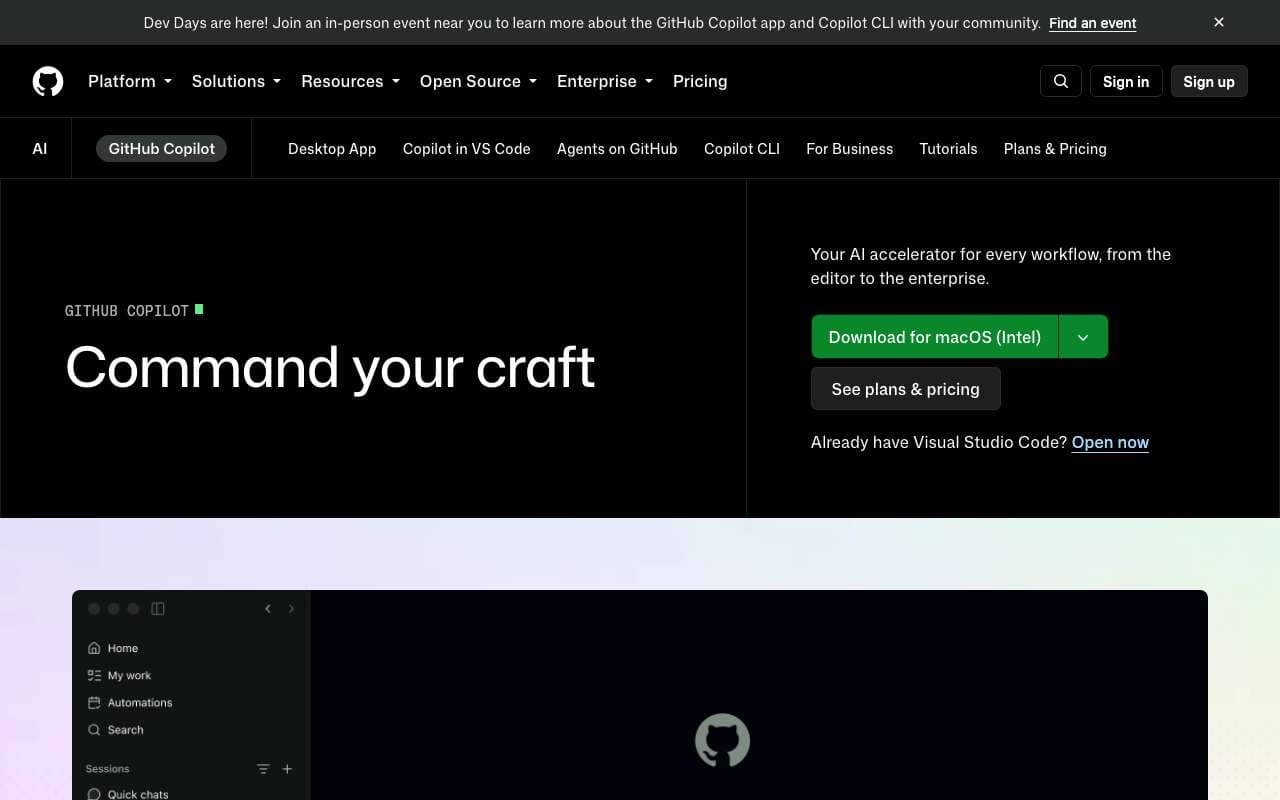
| Description | GitHub's AI pair programmer, now extended with Agent Mode for autonomous task execution and Copilot Workspace for feature-to-PR workflows. The free tier was significantly expanded in late 2025, making it the first major AI coding tool with meaningful free access. Integrates natively into VS Code, JetBrains, and GitHub.com. | AI code editor by Codeium built around the Cascade agent architecture, where the AI maintains a persistent understanding of your entire coding session rather than responding to isolated prompts. Cascade can plan and execute multi-step tasks while the developer continues working, with "flows" that track intent across file edits, terminal commands, and test results. Priced at $15–30/mo as a direct Cursor competitor. |
| Agent Mode: autonomous task execution with file edits and terminal commands | Supported | Not supported |
| Copilot Workspace: go from GitHub issue to pull request with AI planning and implementation | Supported | Not supported |
| Free tier: 2,000 completions/month and 50 chat messages — permanently free | Supported | Not supported |
| Multi-model selection: Claude 4.6 Sonnet, GPT-4o, and o3-mini available on paid plans | Supported | Not supported |
| VS Code, JetBrains, Neovim, and GitHub.com web editor integration | Supported | Not supported |
| Copilot Reviews: AI code review on pull requests with actionable suggestions | Supported | Not supported |
| Copilot for CLI: natural language to shell commands in terminal | Supported | Not supported |
| Enterprise audit logs, IP indemnity, and data exclusion controls | Supported | Not supported |
| Cascade agent with persistent session context across files, terminal, and tests | Not supported | Supported |
| Flows: continuous AI task tracking that persists through developer interruptions | Not supported | Supported |
| Windsurf Tab: context-aware multi-line code completion with cross-file awareness | Not supported | Supported |
| Inline editing with natural language instructions on selected code | Not supported | Supported |
| Built-in terminal with AI command suggestions and error explanations | Not supported | Supported |
| Codeium autocomplete engine (150M+ parameters, trained on code-specific data) | Not supported | Supported |
| Live preview for web projects with AI-assisted CSS/layout adjustments | Not supported | Supported |
| Team collaboration with shared AI configuration and context | Not supported | Supported |
| Pros |
|
|
| Cons |
|
|
| Website | Visit | Visit |