No endless tables — just the differences that matter, and a clear call. Pick two tools and see who takes it.
n8n
Workflow Automation
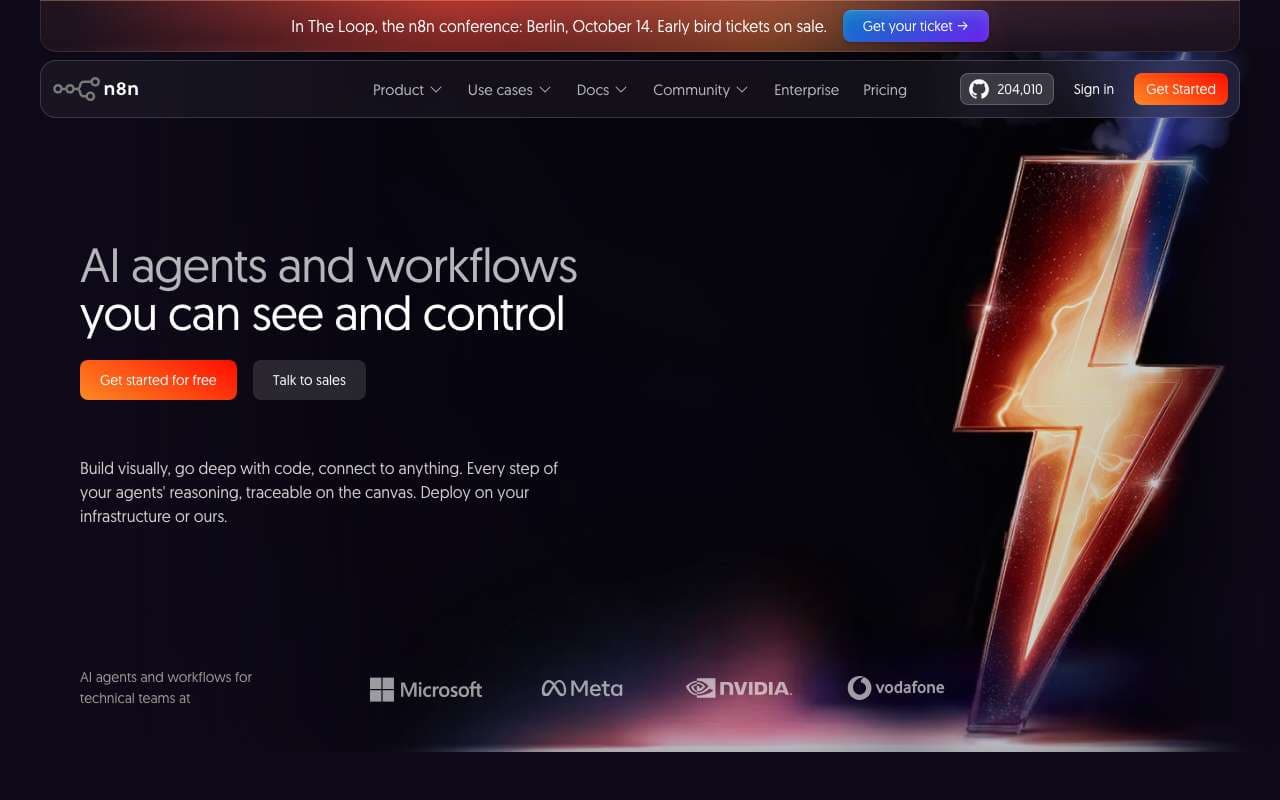
Open-source workflow automation platform under a fair-code license with the best AI/LangChain integration of any automation tool. Self-host for unlimited free executions on a $5-20/month VPS, or use managed cloud hosting. Backed by $180M Series C at a $2.5B valuation in October 2025, n8n has 70+ dedicated AI nodes for building LLM pipelines, agent workflows, and RAG systems.
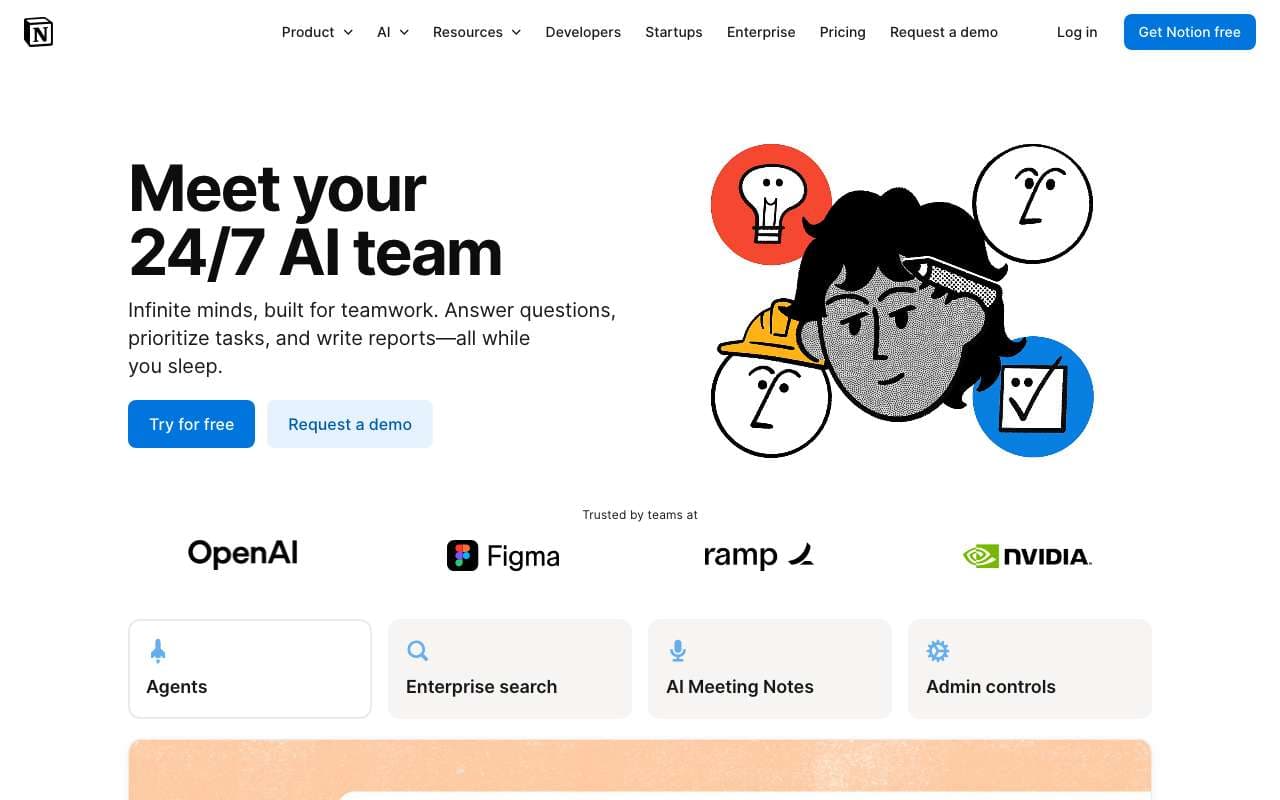
Notion's native AI layer that operates across your entire workspace — pages, databases, projects, and meeting notes. Updated in 2025 with full workspace Q&A (ask questions across all your notes), automatic action item extraction from meetings, and smarter database queries using natural language. Available as an add-on to any Notion plan at $10/user/month.
Open-source workflow automation platform under a fair-code license with the best AI/LangChain integration of any automation tool. Self-host for unlimited free executions on a $5-20/month VPS, or use managed cloud hosting. Backed by $180M Series C at a $2.5B valuation in October 2025, n8n has 70+ dedicated AI nodes for building LLM pipelines, agent workflows, and RAG systems.
Category:Workflow Automation
Features
70+ AI and LangChain nodes (most AI-capable automation platform)
Self-hosted option with unlimited executions on any server or VPS
Full JavaScript and Python code execution nodes
Visual workflow builder with drag-and-drop interface
400+ integrations including HTTP request node for any REST API
+5 more
Pros
Self-hosted at ~$10-20/mo VPS cost handles 50,000+ executions — Zapier charges $1,000+ for the same volume
AI/LangChain integration depth is unmatched — build complete RAG pipelines and multi-agent workflows visually
Fair-code license means you own your automation data and workflow code, no vendor lock-in
Full JavaScript execution node allows logic that no other automation tool can handle without code
Cons
Steepest learning curve of the three major automation platforms — expect 5-10 hours to build your first complex workflow
Self-hosting requires Docker knowledge and ongoing maintenance (updates, backups, monitoring)
Documentation has gaps for advanced edge cases and newer AI nodes; community forum is the primary resource
Cloud pricing ($20-100/mo) is less competitive than self-hosting; only justified if DevOps resources are scarce
Notion's native AI layer that operates across your entire workspace — pages, databases, projects, and meeting notes. Updated in 2025 with full workspace Q&A (ask questions across all your notes), automatic action item extraction from meetings, and smarter database queries using natural language. Available as an add-on to any Notion plan at $10/user/month.
Category:Productivity
Features
Workspace Q&A: ask questions across all pages, databases, and team wikis
Action item extraction from meeting notes with automatic assignee detection
AI database queries: filter, sort, and analyze data with natural language
AI writing assistant with context-awareness across the current page
Autofill database properties using AI from page content
+3 more
Pros
Workspace Q&A replaces manual search for teams with large wikis — answers come with source citations
Action item extraction from meeting transcripts saves 10-20 minutes per meeting of manual note cleanup
Database autofill allows structured data entry at writing speed — describe a project and properties populate automatically
Native integration means no data leaves Notion to a third-party service for AI processing
Cons
Costs $10/user/month on top of the Notion plan ($8-18/user/mo) — total cost is $18-28/user/mo for AI-enabled teams
Workspace Q&A quality drops when pages are poorly formatted or lack structure — garbage in, garbage out
AI writing suggestions are less capable than dedicated writing tools (Claude, ChatGPT) for complex creative work
Database queries via natural language still fail on multi-join queries and complex aggregations
Action item extraction requires clean meeting transcripts — works poorly with speaker-unattributed raw notes
Open-source workflow automation platform under a fair-code license with the best AI/LangChain integration of any automation tool. Self-host for unlimited free executions on a $5-20/month VPS, or use managed cloud hosting. Backed by $180M Series C at a $2.5B valuation in October 2025, n8n has 70+ dedicated AI nodes for building LLM pipelines, agent workflows, and RAG systems.
Notion's native AI layer that operates across your entire workspace — pages, databases, projects, and meeting notes. Updated in 2025 with full workspace Q&A (ask questions across all your notes), automatic action item extraction from meetings, and smarter database queries using natural language. Available as an add-on to any Notion plan at $10/user/month.
Features
70+ AI and LangChain nodes (most AI-capable automation platform)
Self-hosted option with unlimited executions on any server or VPS
Full JavaScript and Python code execution nodes
Visual workflow builder with drag-and-drop interface
400+ integrations including HTTP request node for any REST API
Fair-code license — modify, self-host, and distribute without vendor lock-in
Docker and Kubernetes deployment with official Helm charts
AI agent nodes: chain LLMs, memory, tools, and data sources visually
Webhook triggers, cron schedulers, and 50+ event-based triggers
Enterprise SSO, RBAC, and audit logs on hosted plans
Workspace Q&A: ask questions across all pages, databases, and team wikis
Action item extraction from meeting notes with automatic assignee detection
AI database queries: filter, sort, and analyze data with natural language
AI writing assistant with context-awareness across the current page
Autofill database properties using AI from page content
Summarize long pages and document chains into structured briefs
Smart search with semantic matching across entire workspace
Custom AI templates for recurring documents (weekly reviews, project briefs)
Pros
Self-hosted at ~$10-20/mo VPS cost handles 50,000+ executions — Zapier charges $1,000+ for the same volume
AI/LangChain integration depth is unmatched — build complete RAG pipelines and multi-agent workflows visually
Fair-code license means you own your automation data and workflow code, no vendor lock-in
Full JavaScript execution node allows logic that no other automation tool can handle without code
Workspace Q&A replaces manual search for teams with large wikis — answers come with source citations
Action item extraction from meeting transcripts saves 10-20 minutes per meeting of manual note cleanup
Database autofill allows structured data entry at writing speed — describe a project and properties populate automatically
Native integration means no data leaves Notion to a third-party service for AI processing
Cons
Steepest learning curve of the three major automation platforms — expect 5-10 hours to build your first complex workflow
Self-hosting requires Docker knowledge and ongoing maintenance (updates, backups, monitoring)
Documentation has gaps for advanced edge cases and newer AI nodes; community forum is the primary resource
Cloud pricing ($20-100/mo) is less competitive than self-hosting; only justified if DevOps resources are scarce
Costs $10/user/month on top of the Notion plan ($8-18/user/mo) — total cost is $18-28/user/mo for AI-enabled teams
Workspace Q&A quality drops when pages are poorly formatted or lack structure — garbage in, garbage out
AI writing suggestions are less capable than dedicated writing tools (Claude, ChatGPT) for complex creative work
Database queries via natural language still fail on multi-join queries and complex aggregations
Action item extraction requires clean meeting transcripts — works poorly with speaker-unattributed raw notes