בלי טבלאות אינסופיות — רק ההבדלים שבאמת משנים, והכרעה ברורה. בחרו שני כלים וראו מי לוקח.
Figma AI
AI Design & Creative
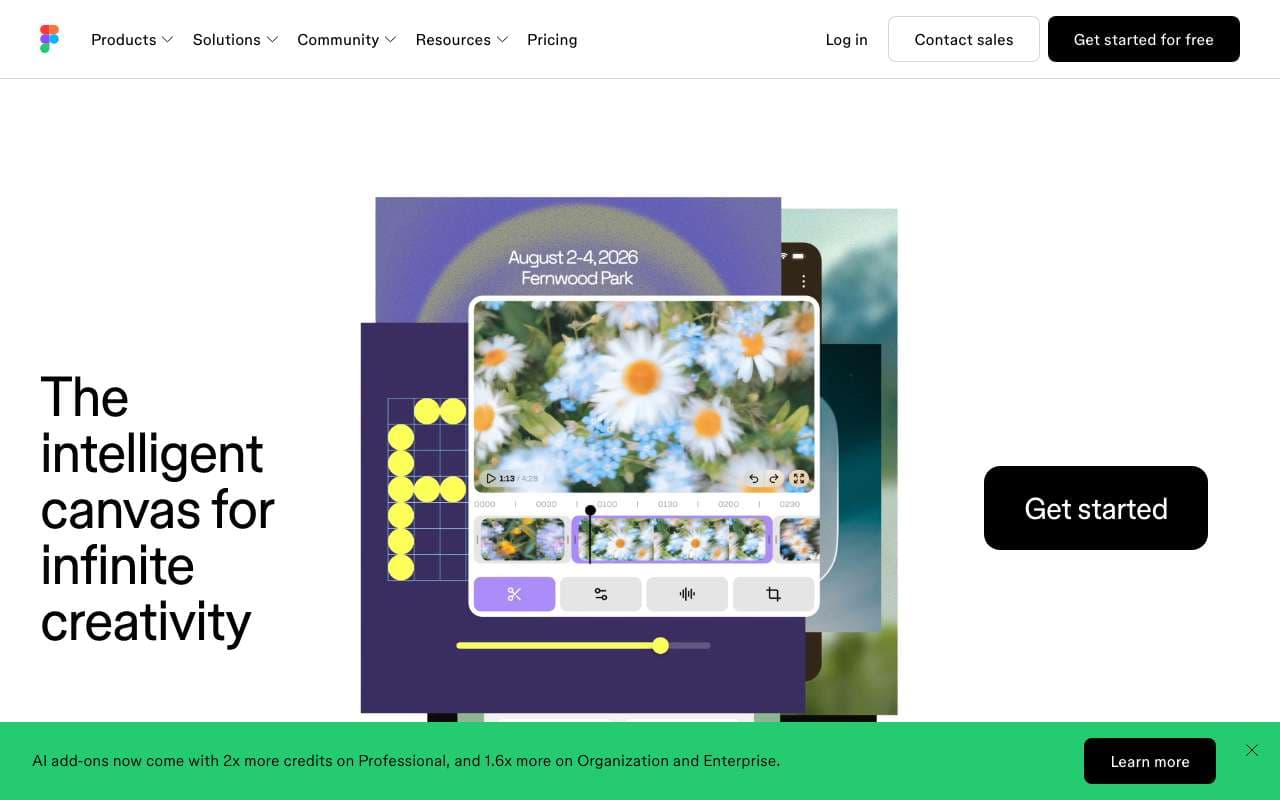
יכולות ה-AI של פלטפורמת העיצוב Figma. Figma Make מייצר אבות-טיפוס ואפליקציות מפרומפט ומאפשר עריכה חזותית של קוד פרודקשן, והסוכן שהוצג ב-Config 2026 בונה פלאגינים וכלים מותאמים ישירות בתוך הקובץ. כלי Weave מוסיפים יצירת תמונות בזרימת העבודה. כלול בתוכניות בתשלום עם מסלול חינמי מוגבל.
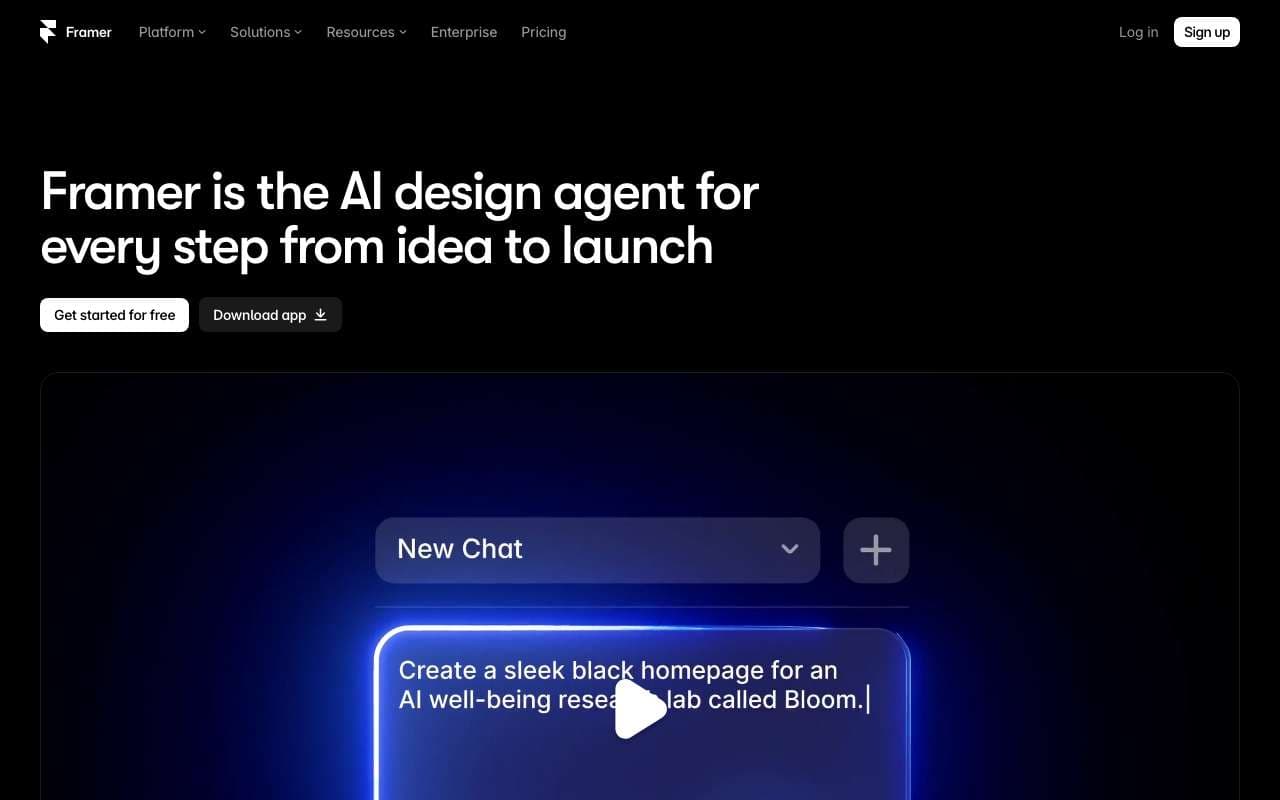
פלטפורמה לבניית אתרים מקצועיים בלי קוד, עם חופש עיצובי בסגנון Figma ואנימציות מתקדמות. Wireframer מייצר עמודים רספונסיביים שלמים מתיאור טקסטואלי, Workshop בונה קומפוננטות בעזרת AI ו-AI Translate מתרגם ליותר מ-100 שפות. כולל CMS, אחסון וכלי SEO מובנים; מסלול חינמי ותוכניות בתשלום לפי אתר.
יכולות ה-AI של פלטפורמת העיצוב Figma. Figma Make מייצר אבות-טיפוס ואפליקציות מפרומפט ומאפשר עריכה חזותית של קוד פרודקשן, והסוכן שהוצג ב-Config 2026 בונה פלאגינים וכלים מותאמים ישירות בתוך הקובץ. כלי Weave מוסיפים יצירת תמונות בזרימת העבודה. כלול בתוכניות בתשלום עם מסלול חינמי מוגבל.
קטגוריה:AI Design & Creative
תכונות
First Draft: generate responsive UI layouts from a text description
Make Designs: create variants of existing components with AI guidance
Rename Layers: auto-rename messy layer hierarchies to semantic names
Remove Background: one-click background removal on placed images
Visual Search: find similar components across files by visual similarity
+3 נוספים
יתרונות
AI generates designs in native Figma format — fully editable with real constraints, not static images
Works within existing design systems — respects local components and styles
Rename Layers alone saves 20-30 minutes on large files before developer handoff
No context switching — AI features are embedded in the tool designers already use daily
חסרונות
First Draft output requires substantial manual refinement — not production-ready
AI credits are consumed even on failed or unusable generations
Not available on Figma Starter (free) plan beyond a trial allocation
Visual quality of generated UI is generic and lacks brand personality without custom component input
AI features are limited on FigJam (whiteboard) side — focused on main Figma editor
פלטפורמה לבניית אתרים מקצועיים בלי קוד, עם חופש עיצובי בסגנון Figma ואנימציות מתקדמות. Wireframer מייצר עמודים רספונסיביים שלמים מתיאור טקסטואלי, Workshop בונה קומפוננטות בעזרת AI ו-AI Translate מתרגם ליותר מ-100 שפות. כולל CMS, אחסון וכלי SEO מובנים; מסלול חינמי ותוכניות בתשלום לפי אתר.
קטגוריה:AI Design & Creative
תכונות
AI Site: generate a complete website from a text description in under 60 seconds
AI Copy: rewrite or generate page copy in brand voice
Visual canvas editor with real CSS under the hood
Built-in CMS for blogs, case studies, and dynamic pages
Native animation system without code (transitions, scroll effects)
+3 נוספים
יתרונות
AI site generation produces a fully structured, publication-ready multi-page site — not a single landing page
Native CSS output means better Core Web Vitals than Webflow or Wix on most pages
Figma import makes it the most designer-friendly path from prototype to live site
Animation system is the most powerful of any no-code builder — no GreenSock required
חסרונות
Free plan limits publishing to a Framer subdomain (no custom domain)
AI generation quality is inconsistent for complex layouts — hero sections work well, complex grids do not
Steep learning curve compared to Squarespace or Wix — assumes design literacy
CMS is basic — not suitable for news sites or large content databases
No native e-commerce — requires third-party integration for storefronts
יכולות ה-AI של פלטפורמת העיצוב Figma. Figma Make מייצר אבות-טיפוס ואפליקציות מפרומפט ומאפשר עריכה חזותית של קוד פרודקשן, והסוכן שהוצג ב-Config 2026 בונה פלאגינים וכלים מותאמים ישירות בתוך הקובץ. כלי Weave מוסיפים יצירת תמונות בזרימת העבודה. כלול בתוכניות בתשלום עם מסלול חינמי מוגבל.
פלטפורמה לבניית אתרים מקצועיים בלי קוד, עם חופש עיצובי בסגנון Figma ואנימציות מתקדמות. Wireframer מייצר עמודים רספונסיביים שלמים מתיאור טקסטואלי, Workshop בונה קומפוננטות בעזרת AI ו-AI Translate מתרגם ליותר מ-100 שפות. כולל CMS, אחסון וכלי SEO מובנים; מסלול חינמי ותוכניות בתשלום לפי אתר.
תכונות
First Draft: generate responsive UI layouts from a text description
Make Designs: create variants of existing components with AI guidance
Rename Layers: auto-rename messy layer hierarchies to semantic names
Remove Background: one-click background removal on placed images
Visual Search: find similar components across files by visual similarity
Prototype AI: auto-generate interaction flows from static designs
Dev Mode AI: generate code snippets from selected design elements
AI credits system — usage tracked per seat
AI Site: generate a complete website from a text description in under 60 seconds
AI Copy: rewrite or generate page copy in brand voice
Visual canvas editor with real CSS under the hood
Built-in CMS for blogs, case studies, and dynamic pages
Native animation system without code (transitions, scroll effects)
Component library with interactive React component support
Custom domain publishing with global CDN
Figma import: convert Figma frames to editable Framer components
יתרונות
AI generates designs in native Figma format — fully editable with real constraints, not static images
Works within existing design systems — respects local components and styles
Rename Layers alone saves 20-30 minutes on large files before developer handoff
No context switching — AI features are embedded in the tool designers already use daily
AI site generation produces a fully structured, publication-ready multi-page site — not a single landing page
Native CSS output means better Core Web Vitals than Webflow or Wix on most pages
Figma import makes it the most designer-friendly path from prototype to live site
Animation system is the most powerful of any no-code builder — no GreenSock required
חסרונות
First Draft output requires substantial manual refinement — not production-ready
AI credits are consumed even on failed or unusable generations
Not available on Figma Starter (free) plan beyond a trial allocation
Visual quality of generated UI is generic and lacks brand personality without custom component input
AI features are limited on FigJam (whiteboard) side — focused on main Figma editor
Free plan limits publishing to a Framer subdomain (no custom domain)
AI generation quality is inconsistent for complex layouts — hero sections work well, complex grids do not
Steep learning curve compared to Squarespace or Wix — assumes design literacy
CMS is basic — not suitable for news sites or large content databases
No native e-commerce — requires third-party integration for storefronts