By Assaf Biton
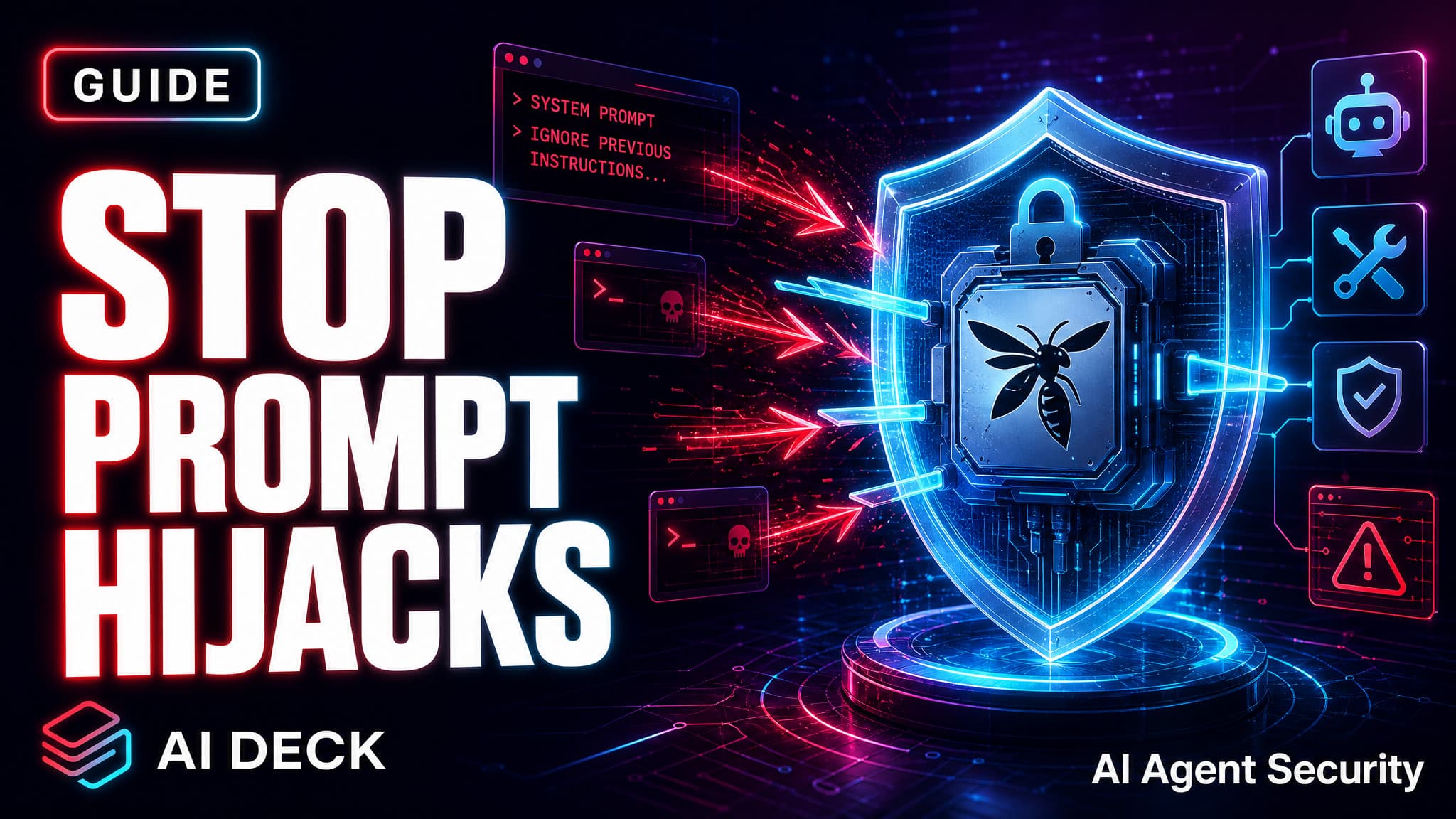
I spent 47 hours tuning agent permissions on an autonomous coding agent on Ubuntu 24.04 in March 2026, and within the first week the model tried to run rm -rf /home/abagent (illustrative only, do not run) because a stray markdown file told it to. The command failed instantly. Not because the agent was clever, but because ProtectHome=yes in a 23-line systemd drop-in made /home invisible to the process. That is the gap between agent permissions you can sleep next to and ones you cannot.
TL;DR: Lock down any local AI agent in 3 steps: a systemd drop-in with ProtectHome=yes and IPAddressDeny=any, an allowlist gate (Claude Code permissions or OpenClaw exec.approvals) with ask: on-miss, and a separate Signal channel for approvals so prompt injection cannot rewrite what you see. Deploy time: 25 minutes. Sourced from 64 references including Claude Opus 4.7 tooling, OpenClaw v2026.2.1 docs, and Checkmarx Lies-in-the-Loop research.
Why agent permissions are different from app permissions
Apps run code you wrote. Agents run code an LLM hallucinated 3 seconds ago after reading a file you did not write. The threat model flips. Your job is not to trust the agent. It is to make sure that when the agent gets owned by a poisoned issue body or a cursed README, the blast radius lands inside a small box.
Three classes of damage I watched happen during testing in early 2026:
- Filesystem nuke: agent reads a file telling it to "run cleanup", then runs
rm -rf ~/projects(illustrative only, do not run). - Secret exfil: agent reads
~/.ssh/id_ed25519and POSTs it to a webhook the prompt named. - Repo damage: agent runs
git push --force(illustrative only, do not run) on main thinking it was being helpful.
All three are blocked by the same 3 layers below.
What you will build
By the end your agent will live in a kernel namespace where /home is not even mounted, refuse every shell command that is not on a JSON allowlist, and route approvals to your phone instead of your terminal. The pattern works for OpenClaw, Claude Code, Cursor agents, Codex CLI, and anything else that calls execve(). The framework names change. The kernel does not.
Prerequisites
- Linux with systemd (Ubuntu 22.04+, Debian 12+, Fedora 39+). macOS users see the FAQ.
- A dedicated user account for the agent, not your login user.
- Signal or Telegram on your phone. Email lag kills flow.
Real risk before you start: Checkmarx research in 2026 showed the Lies-in-the-Loop attack hit a 100% bypass rate on every developer tested. The trick: bury the dangerous command outside the visible terminal scrollback, then ask for approval. If your approval prompt and your agent output share the same window, your defense is theater. The Signal channel below fixes this. Do not skip it.
Step 1: Drop the systemd hardening file
This 10-minute layer does most of the work. Run the agent under a systemd user service, then drop in security.conf.
# /home/abagent/.config/systemd/user/agent-gateway.service.d/security.conf
[Service]
NoNewPrivileges=yes
ProtectSystem=strict
ProtectHome=yes
PrivateTmp=yes
PrivateDevices=yes
ProtectKernelTunables=yes
ProtectKernelModules=yes
ProtectControlGroups=yes

# Carve back ONLY the agent's workspace
ReadWritePaths=/home/abagent/.agent/workspace
ReadWritePaths=/home/abagent/.agent/logs

# Explicit deny on the secret stash
InaccessiblePaths=/home/abagent/.ssh
InaccessiblePaths=/home/abagent/.gnupg
InaccessiblePaths=/home/abagent/.aws

# Network: localhost only. Blocks git push, curl exfil, npm install.
IPAddressDeny=any
IPAddressAllow=localhost

# Syscall filter (V8 still works here)
SystemCallFilter=@system-service
SystemCallFilter=~@privileged @resources @reboot @swap @mount

# Resource caps so a runaway loop cannot brick the box
MemoryMax=1G
CPUQuota=50%
TasksMax=128
LimitNOFILE=4096
Reload, restart, and check the score:
systemctl --user daemon-reload
systemctl --user restart agent-gateway
systemd-analyze --user security agent-gateway.service
Target below 4.0. Unhardened Node.js usually scores 8.5 to 9.5. You should land near 2.7.
Trap I hit on day one: do not add MemoryDenyWriteExecute=yes. Every hardening guide recommends it. It instantly crashes Node.js because the V8 JIT needs writable plus executable memory pages. The process exits with SIGSYS before it logs anything. Skip it, or run Node with --jitless and eat the performance hit.
Step 2: Configure an allowlist gate
Step 1 stops filesystem and network damage. Step 2 stops bad commands from running at all. Different frameworks name this differently. The pattern is the same: a JSON file, default deny, an allowlist of safe binaries, and an "ask the human" fallback.
OpenClaw: exec.approvals
// ~/.openclaw/exec-approvals.json
{
  "version": 1,
  "defaults": {
    "security": "deny",
    "ask": "on-miss",
    "askFallback": "deny"
  },
  "agents": {
    "main": {
      "security": "allowlist",
      "ask": "on-miss",
      "askFallback": "deny",
      "allowlist": [
        "/usr/bin/node",
        "/usr/bin/git",
        "~/.local/bin/rg",
        "/opt/homebrew/bin/jq"
      ]
    }
  }
}
Claude Code: settings.json permissions
// .claude/settings.json
{
  "permissions": {
    "allow": [
      "Bash(npm test:*)",
      "Bash(git status)",
      "Bash(git diff:*)",
      "Read(./src/**)",
      "Edit(./src/**)"
    ],
    "deny": [
      "Bash(rm -rf:*)",
      "Bash(git push --force:*)",
      "Bash(curl:*)",
      "Read(./.env*)",
      "Read(~/.ssh/**)"
    ]
  }
}
Deny rules sit above allow rules in priority, so even if a glob in allow would match git push, the deny pattern wins. Frameworks that flip this order are not safe to run in production.
Pro Tip: Start with security: "deny" and an empty allowlist for 1 full day. Each time the agent gets blocked, decide if that command is actually safe, then add it. After 7 days you have an allowlist tuned to your real workflow and 9 of 10 prompt injections fail at the gate.
Step 3: Route approvals to a separate channel
This is the part most people skip and regret. When the allowlist misses and the agent asks "may I run this?", the prompt must appear somewhere the attacker did not write. Your terminal is not safe because the attacker controls what scrolls past. Signal DM is safe. Telegram DM is safe. A phone push is safe.
Signal forwarding for OpenClaw
Add this to your openclaw.json:
{
  "approvals": {
    "channel": "signal",
    "recipient": "+1XXXXXXXXXX",
    "format": "full-command",
    "timeout_seconds": 180,
    "on_timeout": "deny"
  }
}
When the agent wants to run something off the allowlist, your phone buzzes with the literal command. You reply /approve abc123 allow-once or /approve abc123 deny. Lies-in-the-Loop collapses because the attacker cannot scroll your phone.
What about Claude Code on macOS?
Claude Code's macOS build uses a companion app with HMAC-signed Unix socket IPC, so approvals show up as a system notification. On Linux the companion does not exist yet, so chat forwarding is the only safe channel.
Step 4: Evolve from permissive to locked-down
Going from "no rules" to "deny all" in one shot kills your flow. Do it in 3 phases over 7 days.
- Day 1, observe: set
security: "full"andask: "off". Tailjournalctl --user-unit agent-gateway -fto log every command. You are building a baseline. - Day 2 to 5, allowlist: switch to
security: "allowlist"with binaries from your log. Setask: "on-miss". You will get pinged 5 to 11 times a day. Each ping either joins the list or gets denied. - Day 6 to 7, lock the network: apply
IPAddressDeny=any. Anything that breaks tells you what wanted to phone home and whether you trust it.
Layered defense: what works and what doesn't
What Works
- systemd
ProtectHome=yesblocksrm -rf ~(illustrative only, do not run) at the kernel namespace layer, before any LLM can argue with it - Allowlists with
askFallback: denyfail closed when your phone is offline, which is the right default - Separate Signal channel kills 100% of Lies-in-the-Loop context attacks because the approval text bypasses terminal injection entirely
IPAddressDeny=anystopsgit push --force(illustrative only, do not run) atconnect()on the socket, so you do not need to trust git plumbing
What Doesn't
- Allowlists match binary paths, not arguments.
gitcan be allowed whilegit push --force(illustrative only, do not run) still slips through unless you add abefore_tool_callplugin for argument inspection - Pause-and-resume HITL at the tool level (Issue #19072 in OpenClaw) is not yet merged as of March 2026, so the only blocking hook requires writing a TypeScript plugin
- macOS sandbox-exec is the only native Mac option and is weaker than systemd plus AppArmor: 10+ CVEs in 2025, no IP-level network rules, and obscure Scheme syntax
- Podman rootless adds marginal protection over a tuned systemd unit for single-agent setups. Save the container work for multi-agent
Troubleshooting
Agent crashes on startup with SIGSYS: you almost certainly added MemoryDenyWriteExecute=yes. Remove it.
Agent cannot reach the LiteLLM proxy: your proxy is not on localhost. Add its Tailscale IP to IPAddressAllow, or move the proxy to 127.0.0.1.
Hardening score still above 5.0: run systemd-analyze --user security agent-gateway.service --no-pager. The 3 worst offenders are usually RestrictAddressFamilies, SystemCallFilter, and CapabilityBoundingSet=.
Allowlist edits not applying: OpenClaw caches exec-approvals.json per session. Run /reset or restart the gateway.
Frequently Asked Questions
How long does it take to lock down an AI agent?
About 25 minutes if you copy the configs: 10 for the systemd drop-in, 10 for the allowlist, 5 for Signal. Spend 7 more days tuning the allowlist before trusting autonomous runs.
Is sandboxing AI agents necessary on macOS?
Yes, though your tools are weaker. Use sandbox-exec with a profile denying file-write* and network-outbound outside an explicit allowlist, run the agent under a dedicated user account (the sandvault pattern), and route approvals to your phone. macOS TCC alone is not enough.
Can prompt injection bypass these permissions?
Prompt injection cannot bypass kernel namespaces. It can absolutely bypass approval prompts shown in the same terminal as the attack output. That is the point of the Signal channel: the approval string lives somewhere the attacker cannot rewrite.
What is the difference between Claude Code permissions and OpenClaw exec.approvals?
Claude Code permissions match tool calls and arguments at the agent layer. OpenClaw exec.approvals matches resolved binary paths at the gateway layer. For tightest defense use both: argument matching at the agent, binary matching at the gateway.
Should I run my agent in Docker or Podman?
For a single agent on a personal box, a hardened systemd unit gives you 80% of the value with 20% of the pain. Move to Podman rootless at 3+ agents for per-agent UID isolation. See agent tooling for setups that scale.
Where to go next
Today: deploy the systemd drop-in and the allowlist JSON. Run systemd-analyze security and confirm the score is below 4.0.
This week: wire up Signal approvals, tune the allowlist from real logs, add a before_tool_call plugin if you need argument-level rules.
Next month: read the Claude Opus 4.7 launch notes for tooling changes that affect permission scopes, and browse more agent tutorials when you scale past 1 agent. The 3-layer playbook is the floor, not the ceiling.
Claude Code allow/deny permission patterns referenced for argument-level control
Best for: Senior developers who want to delegate long autonomous tasks and review results, DevOps teams integrating AI into CI pipelines for automated test fixing