No endless tables — just the differences that matter, and a clear call. Pick two tools and see who takes it.
ClickUp AI
Productivity
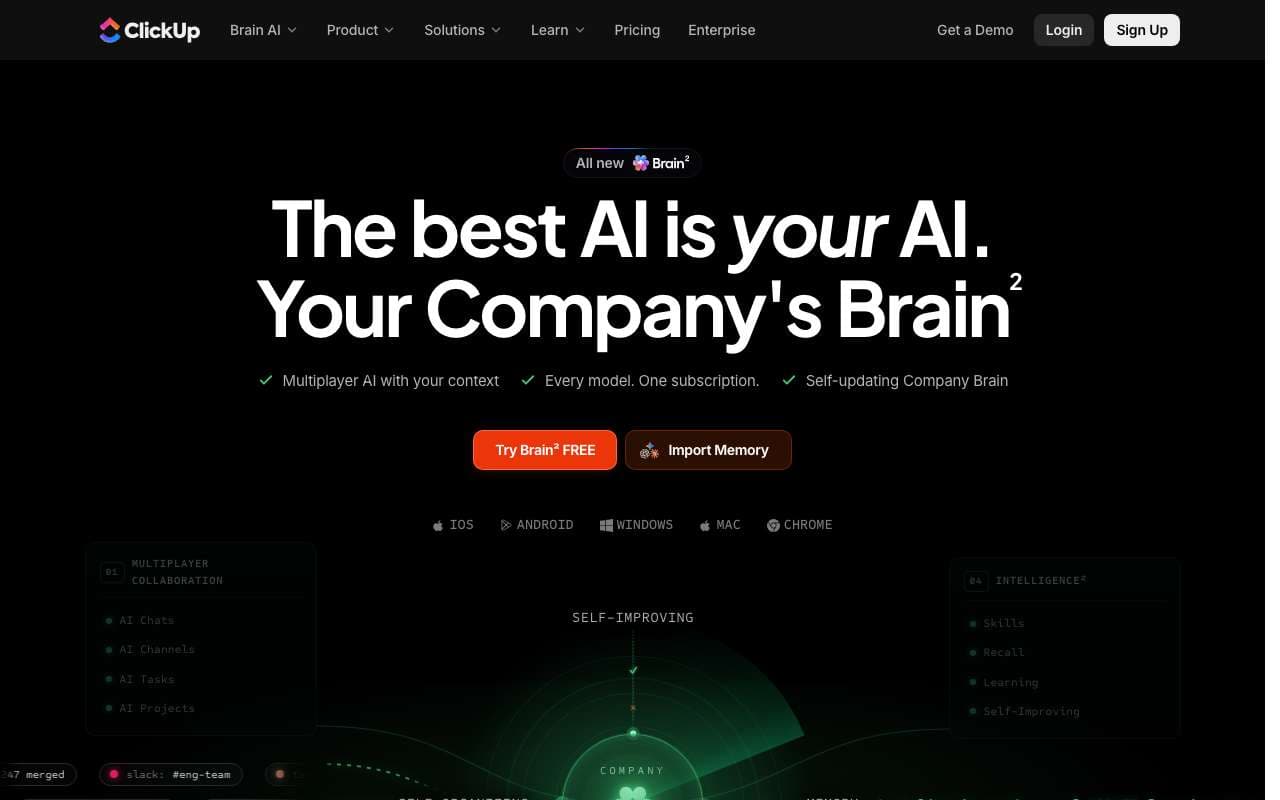
ClickUp's integrated AI layer for project management, covering sprint planning automation, smart status updates, and a centralized knowledge hub. Added in 2025, it auto-generates sprint plans from backlog items, writes project update summaries from task data, and provides a Q&A interface over your workspace. Included in ClickUp Business plans at no extra cost, unlike Notion AI's add-on model.
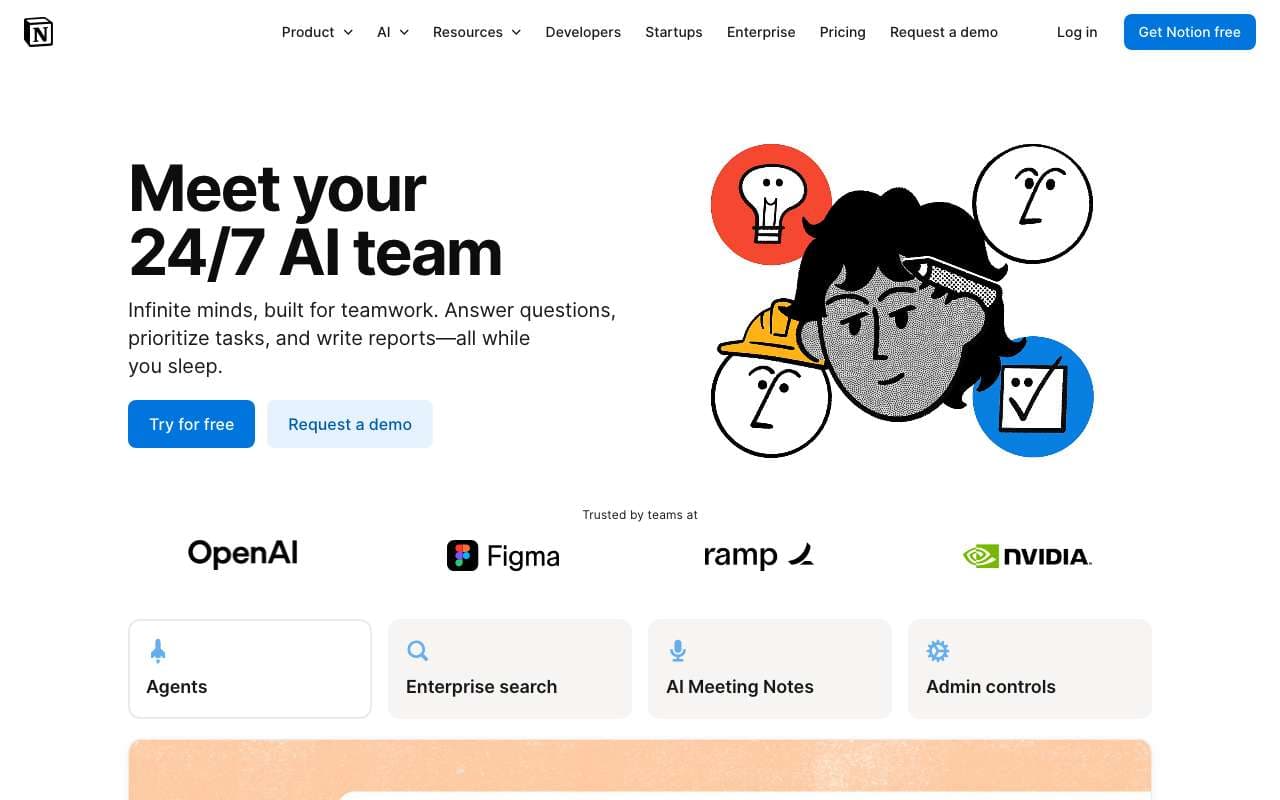
Notion's native AI layer that operates across your entire workspace — pages, databases, projects, and meeting notes. Updated in 2025 with full workspace Q&A (ask questions across all your notes), automatic action item extraction from meetings, and smarter database queries using natural language. Available as an add-on to any Notion plan at $10/user/month.
ClickUp's integrated AI layer for project management, covering sprint planning automation, smart status updates, and a centralized knowledge hub. Added in 2025, it auto-generates sprint plans from backlog items, writes project update summaries from task data, and provides a Q&A interface over your workspace. Included in ClickUp Business plans at no extra cost, unlike Notion AI's add-on model.
Category:Productivity
Features
Sprint planning AI: auto-generates sprints from backlog based on velocity and team capacity
Smart project updates: generates status reports from task completion data across a project
Knowledge Hub: Q&A interface across docs, tasks, and project history
AI task creation from meeting notes and email summaries
Automated standup summaries generated from yesterday's task activity
+3 more
Pros
Sprint planning AI reduces sprint planning meetings from 2 hours to 20 minutes by pre-generating a draft plan
Smart updates eliminate the "what did everyone do last week?" overhead — reports are generated from actual task data
Included in Business plan ($12/user/mo) without extra AI add-on fee, unlike Notion AI's $10/user add-on
Risk detection proactively surfaces blocked projects before they become delays
Cons
Sprint planning AI requires well-structured backlog with story point estimates — degrades badly with incomplete data
Knowledge Hub Q&A is less accurate than Notion AI's workspace Q&A for document-heavy teams
AI features require ClickUp Business plan or higher ($12/user/mo) — not available on Free or Unlimited ($7) plans
Smart updates require consistent task status updates from the team to be accurate — poorly maintained projects produce misleading summaries
General-purpose AI (Brain) is weaker than standalone LLMs for complex writing tasks
Notion's native AI layer that operates across your entire workspace — pages, databases, projects, and meeting notes. Updated in 2025 with full workspace Q&A (ask questions across all your notes), automatic action item extraction from meetings, and smarter database queries using natural language. Available as an add-on to any Notion plan at $10/user/month.
Category:Productivity
Features
Workspace Q&A: ask questions across all pages, databases, and team wikis
Action item extraction from meeting notes with automatic assignee detection
AI database queries: filter, sort, and analyze data with natural language
AI writing assistant with context-awareness across the current page
Autofill database properties using AI from page content
+3 more
Pros
Workspace Q&A replaces manual search for teams with large wikis — answers come with source citations
Action item extraction from meeting transcripts saves 10-20 minutes per meeting of manual note cleanup
Database autofill allows structured data entry at writing speed — describe a project and properties populate automatically
Native integration means no data leaves Notion to a third-party service for AI processing
Cons
Costs $10/user/month on top of the Notion plan ($8-18/user/mo) — total cost is $18-28/user/mo for AI-enabled teams
Workspace Q&A quality drops when pages are poorly formatted or lack structure — garbage in, garbage out
AI writing suggestions are less capable than dedicated writing tools (Claude, ChatGPT) for complex creative work
Database queries via natural language still fail on multi-join queries and complex aggregations
Action item extraction requires clean meeting transcripts — works poorly with speaker-unattributed raw notes
ClickUp's integrated AI layer for project management, covering sprint planning automation, smart status updates, and a centralized knowledge hub. Added in 2025, it auto-generates sprint plans from backlog items, writes project update summaries from task data, and provides a Q&A interface over your workspace. Included in ClickUp Business plans at no extra cost, unlike Notion AI's add-on model.
Notion's native AI layer that operates across your entire workspace — pages, databases, projects, and meeting notes. Updated in 2025 with full workspace Q&A (ask questions across all your notes), automatic action item extraction from meetings, and smarter database queries using natural language. Available as an add-on to any Notion plan at $10/user/month.
Features
Sprint planning AI: auto-generates sprints from backlog based on velocity and team capacity
Smart project updates: generates status reports from task completion data across a project
Knowledge Hub: Q&A interface across docs, tasks, and project history
AI task creation from meeting notes and email summaries
Automated standup summaries generated from yesterday's task activity
Risk detection: flags projects with blocked tasks or missed deadlines before they escalate
AI-written task descriptions and acceptance criteria from brief bullet points
Brain: ClickUp's AI assistant for general questions within the app context
Workspace Q&A: ask questions across all pages, databases, and team wikis
Action item extraction from meeting notes with automatic assignee detection
AI database queries: filter, sort, and analyze data with natural language
AI writing assistant with context-awareness across the current page
Autofill database properties using AI from page content
Summarize long pages and document chains into structured briefs
Smart search with semantic matching across entire workspace
Custom AI templates for recurring documents (weekly reviews, project briefs)
Pros
Sprint planning AI reduces sprint planning meetings from 2 hours to 20 minutes by pre-generating a draft plan
Smart updates eliminate the "what did everyone do last week?" overhead — reports are generated from actual task data
Included in Business plan ($12/user/mo) without extra AI add-on fee, unlike Notion AI's $10/user add-on
Risk detection proactively surfaces blocked projects before they become delays
Workspace Q&A replaces manual search for teams with large wikis — answers come with source citations
Action item extraction from meeting transcripts saves 10-20 minutes per meeting of manual note cleanup
Database autofill allows structured data entry at writing speed — describe a project and properties populate automatically
Native integration means no data leaves Notion to a third-party service for AI processing
Cons
Sprint planning AI requires well-structured backlog with story point estimates — degrades badly with incomplete data
Knowledge Hub Q&A is less accurate than Notion AI's workspace Q&A for document-heavy teams
AI features require ClickUp Business plan or higher ($12/user/mo) — not available on Free or Unlimited ($7) plans
Smart updates require consistent task status updates from the team to be accurate — poorly maintained projects produce misleading summaries
General-purpose AI (Brain) is weaker than standalone LLMs for complex writing tasks
Costs $10/user/month on top of the Notion plan ($8-18/user/mo) — total cost is $18-28/user/mo for AI-enabled teams
Workspace Q&A quality drops when pages are poorly formatted or lack structure — garbage in, garbage out
AI writing suggestions are less capable than dedicated writing tools (Claude, ChatGPT) for complex creative work
Database queries via natural language still fail on multi-join queries and complex aggregations
Action item extraction requires clean meeting transcripts — works poorly with speaker-unattributed raw notes