No endless tables — just the differences that matter, and a clear call. Pick two tools and see who takes it.
Notion AI
Productivity
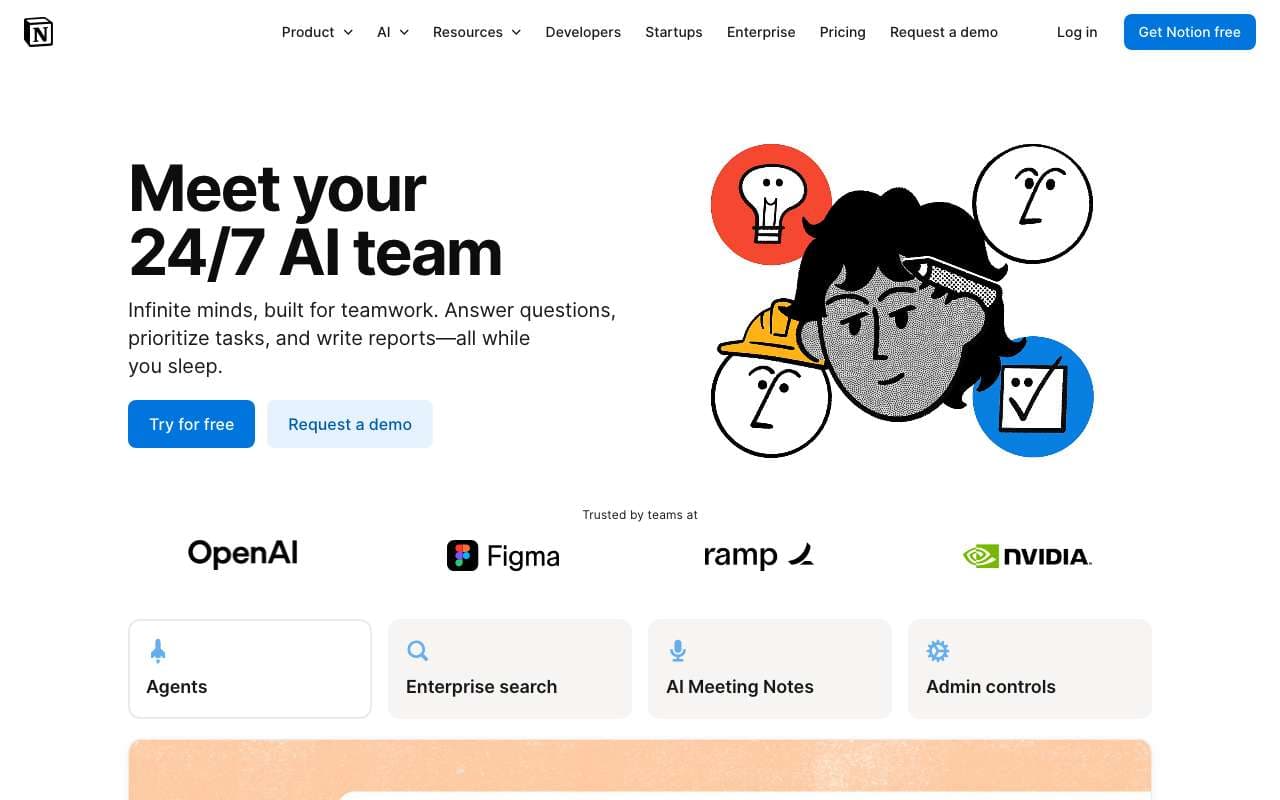
Notion's native AI layer that operates across your entire workspace — pages, databases, projects, and meeting notes. Updated in 2025 with full workspace Q&A (ask questions across all your notes), automatic action item extraction from meetings, and smarter database queries using natural language. Available as an add-on to any Notion plan at $10/user/month.
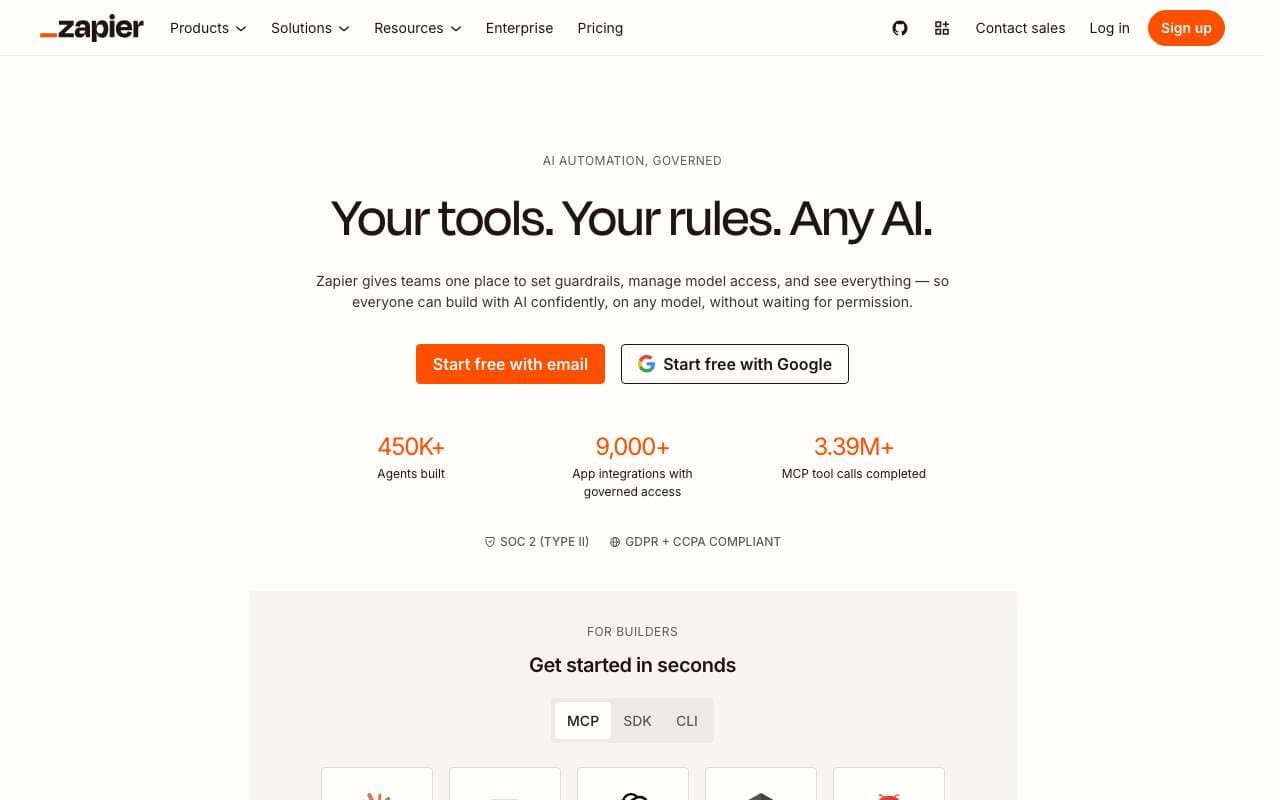
The most widely adopted no-code automation platform with 7,000+ app integrations, designed for non-technical users who need to connect tools without writing code or managing infrastructure. Linear "Zap" workflows are the easiest entry point in automation, with a free tier for simple use cases. AI features (Zapier AI Actions) allow chatbots and LLMs to trigger Zapier workflows via natural language.
Notion's native AI layer that operates across your entire workspace — pages, databases, projects, and meeting notes. Updated in 2025 with full workspace Q&A (ask questions across all your notes), automatic action item extraction from meetings, and smarter database queries using natural language. Available as an add-on to any Notion plan at $10/user/month.
Category:Productivity
Features
Workspace Q&A: ask questions across all pages, databases, and team wikis
Action item extraction from meeting notes with automatic assignee detection
AI database queries: filter, sort, and analyze data with natural language
AI writing assistant with context-awareness across the current page
Autofill database properties using AI from page content
+3 more
Pros
Workspace Q&A replaces manual search for teams with large wikis — answers come with source citations
Action item extraction from meeting transcripts saves 10-20 minutes per meeting of manual note cleanup
Database autofill allows structured data entry at writing speed — describe a project and properties populate automatically
Native integration means no data leaves Notion to a third-party service for AI processing
Cons
Costs $10/user/month on top of the Notion plan ($8-18/user/mo) — total cost is $18-28/user/mo for AI-enabled teams
Workspace Q&A quality drops when pages are poorly formatted or lack structure — garbage in, garbage out
AI writing suggestions are less capable than dedicated writing tools (Claude, ChatGPT) for complex creative work
Database queries via natural language still fail on multi-join queries and complex aggregations
Action item extraction requires clean meeting transcripts — works poorly with speaker-unattributed raw notes
The most widely adopted no-code automation platform with 7,000+ app integrations, designed for non-technical users who need to connect tools without writing code or managing infrastructure. Linear "Zap" workflows are the easiest entry point in automation, with a free tier for simple use cases. AI features (Zapier AI Actions) allow chatbots and LLMs to trigger Zapier workflows via natural language.
Category:Workflow Automation
Features
7,000+ app integrations — largest integration catalog of any automation platform
Zap builder: single-trigger linear workflow with filter, delay, and path steps
Paths: conditional branching for up to 3 branches per Zap
AI Actions: allow ChatGPT, Claude, and other LLMs to trigger Zapier workflows via natural language
Tables: built-in database for data storage between Zaps
+3 more
Pros
7,000+ integrations means almost any SaaS app the user works with is already supported, no HTTP setup required
Easiest UI of the three major platforms — non-technical staff can build and maintain their own automations
AI Actions enables AI assistants to take real-world actions (create CRM contacts, send emails) without a developer
Free tier with 100 tasks/month is sufficient for light personal automation use without a credit card
Cons
Most expensive at scale: 10,000 tasks/mo costs $69+/mo versus n8n self-hosted for ~$15/mo total
Linear Zap model limits complex multi-branch logic; "Paths" only supports 3 branches per Zap
Free tier (100 tasks/month) is too low for any meaningful business process — forces upgrade quickly
No self-hosting option — all workflow data flows through Zapier's US-based cloud infrastructure
Slower execution (polling triggers check every 1-15 min on free/lower plans) versus instant webhook triggers on paid plans
Notion's native AI layer that operates across your entire workspace — pages, databases, projects, and meeting notes. Updated in 2025 with full workspace Q&A (ask questions across all your notes), automatic action item extraction from meetings, and smarter database queries using natural language. Available as an add-on to any Notion plan at $10/user/month.
The most widely adopted no-code automation platform with 7,000+ app integrations, designed for non-technical users who need to connect tools without writing code or managing infrastructure. Linear "Zap" workflows are the easiest entry point in automation, with a free tier for simple use cases. AI features (Zapier AI Actions) allow chatbots and LLMs to trigger Zapier workflows via natural language.
Features
Workspace Q&A: ask questions across all pages, databases, and team wikis
Action item extraction from meeting notes with automatic assignee detection
AI database queries: filter, sort, and analyze data with natural language
AI writing assistant with context-awareness across the current page
Autofill database properties using AI from page content
Summarize long pages and document chains into structured briefs
Smart search with semantic matching across entire workspace
Custom AI templates for recurring documents (weekly reviews, project briefs)
7,000+ app integrations — largest integration catalog of any automation platform
Zap builder: single-trigger linear workflow with filter, delay, and path steps
Paths: conditional branching for up to 3 branches per Zap
AI Actions: allow ChatGPT, Claude, and other LLMs to trigger Zapier workflows via natural language
Tables: built-in database for data storage between Zaps
Interfaces: no-code forms and portals that trigger Zaps
Zapier Central: AI bot creation with workflow triggers connected to 7,000+ apps
Sub-Zaps: modular reusable workflow blocks called from multiple Zaps
Pros
Workspace Q&A replaces manual search for teams with large wikis — answers come with source citations
Action item extraction from meeting transcripts saves 10-20 minutes per meeting of manual note cleanup
Database autofill allows structured data entry at writing speed — describe a project and properties populate automatically
Native integration means no data leaves Notion to a third-party service for AI processing
7,000+ integrations means almost any SaaS app the user works with is already supported, no HTTP setup required
Easiest UI of the three major platforms — non-technical staff can build and maintain their own automations
AI Actions enables AI assistants to take real-world actions (create CRM contacts, send emails) without a developer
Free tier with 100 tasks/month is sufficient for light personal automation use without a credit card
Cons
Costs $10/user/month on top of the Notion plan ($8-18/user/mo) — total cost is $18-28/user/mo for AI-enabled teams
Workspace Q&A quality drops when pages are poorly formatted or lack structure — garbage in, garbage out
AI writing suggestions are less capable than dedicated writing tools (Claude, ChatGPT) for complex creative work
Database queries via natural language still fail on multi-join queries and complex aggregations
Action item extraction requires clean meeting transcripts — works poorly with speaker-unattributed raw notes
Most expensive at scale: 10,000 tasks/mo costs $69+/mo versus n8n self-hosted for ~$15/mo total
Linear Zap model limits complex multi-branch logic; "Paths" only supports 3 branches per Zap
Free tier (100 tasks/month) is too low for any meaningful business process — forces upgrade quickly
No self-hosting option — all workflow data flows through Zapier's US-based cloud infrastructure
Slower execution (polling triggers check every 1-15 min on free/lower plans) versus instant webhook triggers on paid plans